On this page
Last reviewed: 23 October 2026. Salesforce and HubSpot pricing and plan features change periodically; figures below are list prices confirmed against current 2026 sources and should be reverified on the official pricing pages before you buy.
A SaaS team running product demos has to capture each request, qualify and route it to the right rep, schedule the meeting, automate the reminders and follow-up, and report on what converted. The CRM sits at the centre of that, so the platform you choose shapes how smoothly the whole demo motion runs.
Salesforce and HubSpot are the two CRM platforms most SaaS teams weigh for this, and they approach the same workflows differently. This comparison focuses on demo-related sales operations, not general CRM features, and it treats pricing and plan tiers as first-class factors because a capability that exists on paper may sit behind a higher subscription or a third-party tool.
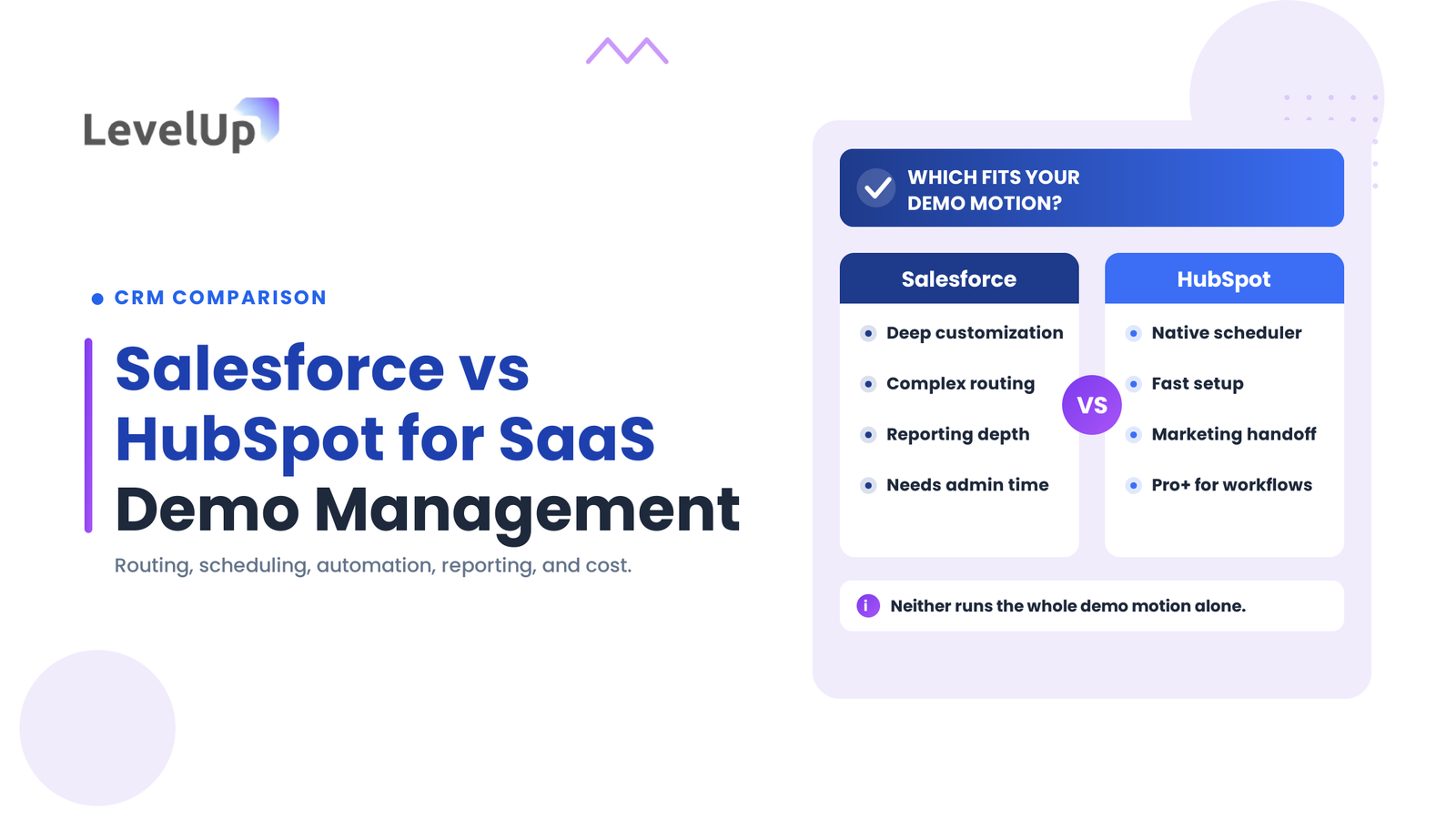
There is no single winner. Salesforce gives teams with dedicated admin capacity deeper routing, customization, and cross-object reporting. HubSpot gives leaner teams a faster path to a working demo process with a native scheduler and tighter marketing-to-sales handoffs. The right choice depends on your workflow complexity, existing tools, budget, and administration capacity, and neither platform covers the entire demo lifecycle out of the box.
Salesforce vs HubSpot at a Glance
The table compares the two platforms across the factors that matter to a demo motion. Read it as a starting point; the real differences surface when you map your own workflow against each platform’s specific plan and required integrations.
| Factor | Salesforce Sales Cloud | HubSpot Sales Hub |
|---|---|---|
| Best fit | Teams with complex routing, custom objects, and admin capacity | Teams wanting fast setup with connected marketing-to-sales handoffs |
| Demo request capture | Web-to-Lead or custom forms; deduplication needs configuration | Native forms, automatic contact creation, dedup on email |
| Lead routing | Assignment rules and Flow Builder; highly configurable | Workflow rotation and round-robin on paid Sales Hub tiers |
| Scheduling | No native scheduler; relies on Calendly, Chili Piper or similar | Native meeting scheduler included from the free tier |
| Workflow automation | Flow Builder across editions, with limits on entry tiers | Workflows on Professional and above |
| Post-demo follow-up | Sequences via Sales Engagement (Unlimited, or a paid add-on) | Sequences on Professional and above; task queues native |
| Reporting | Report Builder and custom report types; deep on Enterprise+ | Standard reports on all tiers; custom reports on Professional+ |
| Customization | Deep: custom objects, fields, validation rules, Apex | Moderate: custom properties; custom objects on Enterprise |
| Admin effort | Moderate to high; most teams need admin time | Low to moderate; most config done in the UI |
| Entry price | Starter Suite $25/user/mo; Pro Suite $100/user/mo (billed annually) | Free CRM tools; Sales Hub Starter $15/seat/mo (billed annually) |
Two differences drive most decisions. First, scheduling: HubSpot includes a meeting scheduler natively, while Salesforce depends on a third-party booking tool. Second, depth versus speed: Salesforce can model routing and reporting that HubSpot cannot without Enterprise, but that depth needs someone to build and maintain it.
What Is Salesforce?
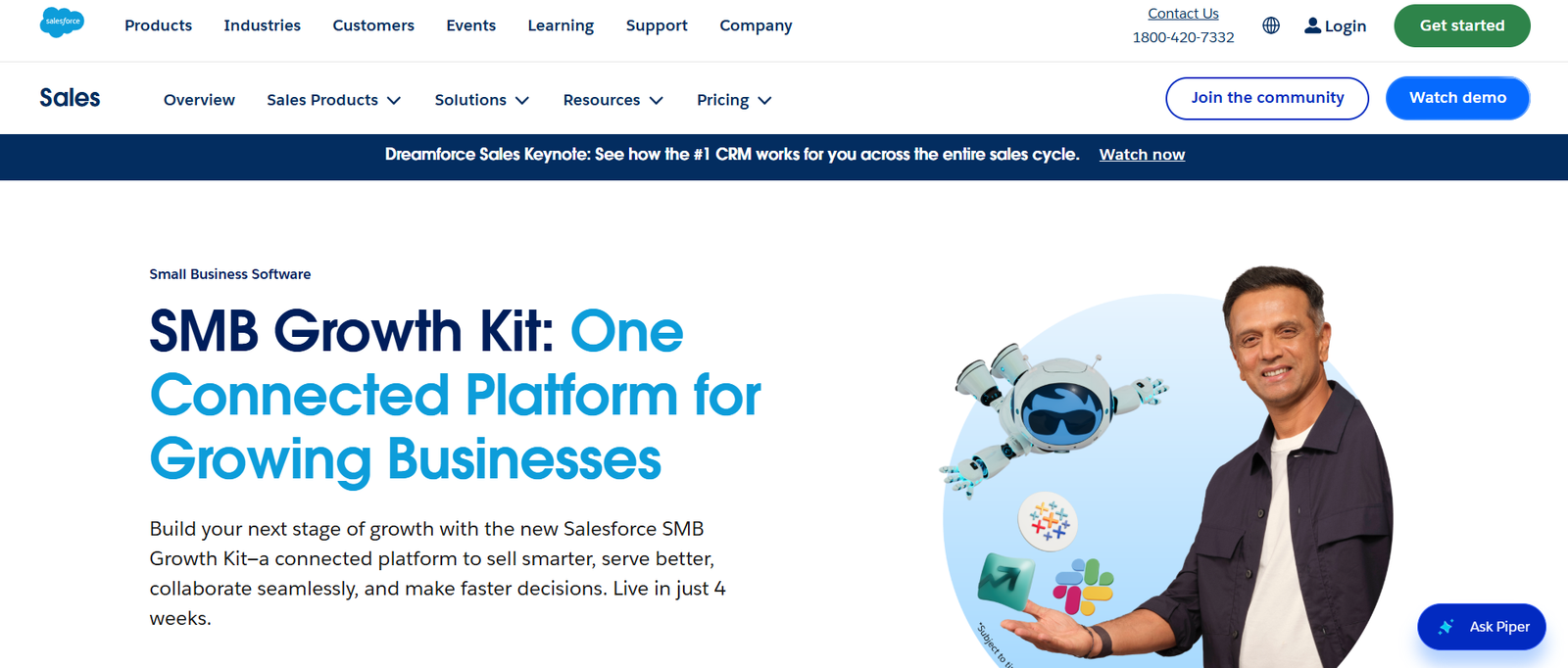
Salesforce Sales Cloud is a CRM built around leads, contacts, accounts, and opportunities. It acts as a system of record for the sales process and offers extensive customization through declarative tools (Flow Builder) and programmatic options (Apex, Lightning Web Components). For SaaS teams, it is most often chosen when the sales motion is complex enough that off-the-shelf CRM behaviour is not enough.
Salesforce strengths for SaaS demo management
Salesforce handles complex lead-assignment logic that lighter CRMs struggle with. If demos route on a combination of territory, deal size, product line, and account ownership, assignment rules and Flow Builder can model that without a third-party tool.
Opportunity management is a strength. Custom fields on the opportunity object let teams capture demo-specific data (demo type, attendee count, product interest) that feeds pipeline reports, and custom report types can join leads, opportunities, and activities to answer questions such as demo-to-close rate by source and rep. That cross-object reporting depth is strongest on Enterprise and above. Confirm the reporting features included in your intended edition.
Potential limitations of Salesforce
The gap between what Salesforce can do and what it does on day one is wide. A fresh instance does not route demo requests, send confirmations, or track no-show rates until those workflows are built, so most teams need admin time or an implementation partner. Email sequences and cadences (Sales Engagement) are bundled on the higher editions (Unlimited and above) rather than on Pro Suite or Enterprise, so teams wanting automated follow-up at a lower tier use a paid add-on or a third-party tool. Verify the current packaging on the Salesforce editions page.
What Is HubSpot?
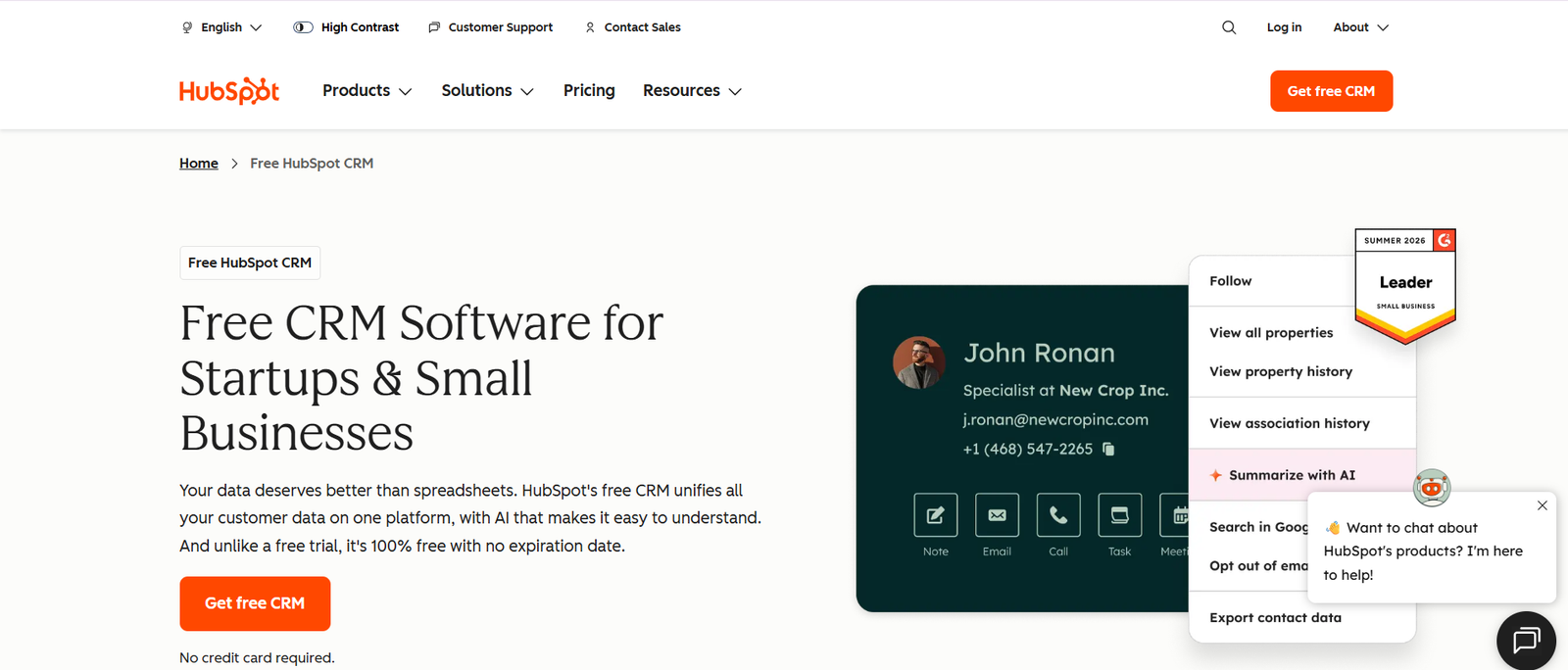
HubSpot’s CRM platform connects marketing, sales, and service tools under a shared contact database. Sales Hub provides deal pipelines, meeting scheduling, email sequences, task management, and reporting, and a free tier covers CRM basics. It is most often chosen when speed of setup and marketing-to-sales alignment matter more than deep customization.
HubSpot strengths for SaaS demo management
The native meeting scheduler is the biggest differentiator for demo-heavy teams. It is available from the free tier, generates a booking link, syncs with Google Calendar and Outlook, and creates a contact record automatically. Team and round-robin booking that distributes demos across reps is available on the paid Sales Hub tiers; confirm the exact tier for round-robin on the pricing page.
Marketing-to-sales handoffs are tighter by design: a prospect who fills out a demo form on a HubSpot page becomes a contact with full activity history, with no manual conversion step. Sequences on Professional and above let reps enrol contacts in multi-step follow-up that combines emails, tasks, and delays, giving teams a workable post-demo system without code.
Potential limitations of HubSpot
Several capabilities sit behind higher tiers. Workflow automation and sequences start at Professional, so a team on Starter expecting to automate routing will hit a wall. Custom objects are available on Enterprise (about $150/seat/mo, billed annually), so a dedicated demo object with custom properties and cross-object reporting costs more than the Starter or Professional price suggests. HubSpot also charges a one-time onboarding fee on its paid tiers, which belongs in any first-year cost estimate.
Salesforce vs HubSpot for Managing SaaS Demos
General CRM feature lists do not settle this decision. What matters is how each platform handles the specific steps of a demo motion. For each workflow below: what it requires, how each platform supports it, the dependencies, and what to verify.
1. Capturing demo requests
Salesforce’s Web-to-Lead generates an HTML form that creates lead records, but it does not deduplicate against existing contacts or accounts by default; matching and merging rely on duplicate rules or a third-party enrichment tool. HubSpot forms create or update contacts and deduplicate on email automatically, logging submissions on the contact timeline. For capture simplicity, HubSpot needs less configuration; Salesforce gives more control once configured. Verify how each handles duplicate requests from existing accounts.
2. Qualifying and routing demo leads
Salesforce supports assignment rules that evaluate fields in order, and Flow Builder (or a tool such as LeanData) for multi-variable or weighted routing, including territory-based hierarchy. HubSpot workflows rotate ownership with round-robin and branch by company size, country, or form value, all visually and without code, but with less depth for complex edge cases. For straightforward round-robin or property-based assignment, HubSpot is faster to configure; for intricate routing, Salesforce goes further. Not every routing scenario is native on every plan, so confirm which rules your tier supports.
3. Scheduling demos
Salesforce has no native booking page, so teams rely on a scheduling integration such as Calendly or Chili Piper, which adds per-seat cost and maintenance. HubSpot’s meeting scheduler is native and handles one-on-one and round-robin booking. Neither includes advanced pre-booking qualification (asking disqualifying questions and conditionally hiding the calendar) out of the box, so a team that needs that still evaluates a dedicated scheduling tool. Confirm which scheduling capabilities are native versus integration-dependent for your use case.
4. Automating pre-demo workflows
Booking confirmations, reminders, qualification follow-ups, and internal notifications are automation tasks. On Salesforce these are built in Flow Builder, which is powerful but needs someone to build and maintain each flow. On HubSpot these run through workflows on Professional and above, with a visual editor that makes iteration faster. The dependency to check is the plan: HubSpot gates workflows to Professional, and Salesforce’s automation limits differ by edition.
5. Managing post-demo follow-up
Recording the demo outcome, assigning follow-up tasks, updating the opportunity stage, and triggering the next action all depend on both platform capability and sales-process design. Salesforce can create tasks and update fields through Flow when a stage changes to a demo-completed value, with sequences available via Sales Engagement on the higher editions. HubSpot creates tasks natively and enrols contacts in sequences on Professional and above. Consistent ownership and accurate stage data matter as much as the tool here. Verify that your tier includes the sequence and task automation you expect.
6. Measuring demo performance
Neither platform tracks demo-specific metrics automatically. Demo request volume, qualified requests, response time, booking and attendance rates, demo-to-opportunity and demo-to-close conversion, and performance by source, rep, and segment all need custom fields, consistent data entry, and configured reports. Salesforce’s Report Builder and custom report types can join the necessary objects, with the most depth on Enterprise and above. HubSpot visualizes deal-stage progression and time-in-stage with custom reports on Professional, while cross-object analysis with custom objects needs Enterprise. Do not expect benchmark figures from either; the numbers come from your own configured reporting.
7. Integrations and the existing sales stack
A demo motion usually touches a calendar app, website forms, marketing automation, a communication tool, and analytics. HubSpot’s strength is a connected ecosystem where marketing, forms, and sales share one contact record. Salesforce’s strength is the breadth of its AppExchange and API for connecting specialized tools. The thing to verify is not whether an integration exists but whether it supports the specific workflow you need, and at the plan you intend to buy, since some integrations and API limits are tier-dependent.
Salesforce vs HubSpot: Setup, Customization, and Administration
The operational effort differs more than the feature lists suggest. A Salesforce implementation for demos typically means custom fields on lead and opportunity objects, assignment rules or flows, a scheduling integration, email templates, permission and ownership rules, and report configuration. Data migration from an existing system adds to that. Most SaaS teams need at least part-time admin capacity or a consulting partner, and ongoing maintenance matters because a field change can affect a dependent flow.
HubSpot’s setup for the same workflow usually means form creation, a routing workflow, meeting-link configuration, sequence setup, and dashboards, much of it done through the UI. A revenue operations manager can often handle it without Salesforce-admin-level expertise. The trade-off is real: HubSpot’s lower configuration barrier means a faster path to a working workflow, while Salesforce’s deeper customization handles more exceptions, but only if someone builds and maintains it. Implementation time varies by team and requirements, so treat any single estimate with caution.
Salesforce vs HubSpot Pricing and Total Cost of Ownership
Entry-level subscription prices rarely reflect the real cost of running a demo workflow. The list prices below are per user or seat per month, billed annually, and were confirmed against current 2026 sources. Reverify them on the official pricing pages before you buy.
| Plan | List price (billed annually) | Notes for a demo workflow |
|---|---|---|
| Salesforce Starter Suite | $25/user/mo | Entry CRM; limited automation and reporting |
| Salesforce Pro Suite | $100/user/mo | Fuller CRM; sequences need an add-on or higher edition |
| Salesforce Enterprise | $175/user/mo | Deep customization and reporting; scheduling still external |
| Salesforce Unlimited | $350/user/mo | Includes Sales Engagement sequences and cadences |
| HubSpot Sales Hub (Free) | $0 | CRM basics and a basic meeting scheduler |
| HubSpot Sales Hub Starter | $15/seat/mo | Scheduler, basic pipeline; limited automation |
| HubSpot Sales Hub Professional | about $100/seat/mo | Workflows, sequences, custom reports; onboarding fee applies |
| HubSpot Sales Hub Enterprise | $150/seat/mo | Custom objects and cross-object reporting; higher onboarding fee |
The figure to watch is the fully loaded cost, not the sticker price. A Salesforce demo workflow often adds a scheduling tool (a third-party booking app at roughly $15 to $45 per user per month) and, for automated follow-up, either the Sales Engagement add-on or an upgrade to Unlimited. A HubSpot workflow includes scheduling natively but adds a one-time onboarding fee on paid tiers, and jumps in price if custom objects or cross-object reporting push the team to Enterprise.
Because the add-ons differ, neither platform is reliably cheaper across the board. The gap narrows or reverses depending on whether a HubSpot team needs Enterprise and whether a Salesforce team adds scheduling and engagement tools. Compare like configurations: price the exact plan, seats, add-ons, and integrations your workflow actually requires, over 12 months, for both.
Pricing note: list prices shown are per user or seat per month, billed annually, confirmed against current 2026 sources as of 23 October 2026. Vendors update pricing and packaging periodically. Confirm the current figures, billing terms, onboarding fees, and edition features on salesforce.com and hubspot.com before making a decision.
Which Platform Is Better for Different SaaS Teams?
The comparison only matters against your own circumstances. These profiles connect the trade-offs above to common team situations.
When Salesforce may be the better fit
Salesforce tends to fit teams with complex, multi-variable sales processes, extensive customization needs, an established Salesforce ecosystem, or advanced reporting requirements across custom objects, provided the team has the admin capacity to build and maintain the configuration. Multi-product, multi-territory sales orgs and teams already invested in Salesforce usually find the depth worth the overhead.
When HubSpot may be the better fit
HubSpot tends to fit teams that want connected marketing and sales workflows, fast adoption, and a native scheduler, where the requirements sit within the chosen Sales Hub tier. Early-stage SaaS teams with simpler routing, and teams whose primary goal is marketing-to-sales alignment on a shared contact record, often reach a working demo process faster here.
When neither platform alone may meet every demo workflow requirement
Both are CRMs, not demo-management systems, so parts of the demo lifecycle can fall through the gaps, particularly qualifying and routing inbound demo requests, pre-meeting qualification, and no-show recovery. When those steps need manual work or break under volume, teams evaluate a dedicated demo management tool that handles the scheduling, routing, and coordination layer between the form submission and the CRM opportunity record. LevelUp Demo is built for that layer and works alongside either CRM rather than replacing it.
A Practical Checklist for Choosing Between Salesforce and HubSpot
Work through these against your own data before you commit, and evaluate both platforms on the same realistic scenarios:
- Identify the existing CRM and the tools already connected to it.
- Map the journey from demo request to post-demo follow-up.
- Define your lead qualification and routing requirements.
- List your scheduling and calendar requirements.
- Identify the automations the team actually needs, not the ones that sound useful.
- Define the demo reporting metrics you will hold people to.
- Verify which features are included in the specific subscription you intend to buy.
- Identify the required integrations and add-ons, and their cost.
- Estimate implementation and administration effort honestly.
- Compare total cost over 12 months, including add-ons and onboarding fees.
- Test one representative end-to-end workflow in each platform before signing.
Frequently Asked Questions
Is Salesforce or HubSpot better for SaaS sales?
It depends on your sales motion’s complexity and your team’s capacity to configure and maintain the CRM. Salesforce suits teams with admin capacity and multi-variable processes; HubSpot suits teams that want faster setup and tighter marketing integration. Neither is universally better, so map your actual workflow against each platform at the plan tier you can afford.
Can Salesforce and HubSpot both manage demo requests?
Yes, through different mechanisms. Salesforce uses Web-to-Lead forms and custom flows; HubSpot uses native forms with automatic contact creation and deduplication. Both rely on CRM records, forms, routing rules, and integrations, and both need additional configuration to route and schedule the requests they capture.
Which CRM offers more customization for sales workflows?
Salesforce, by a wide margin, through custom objects, validation rules, Apex, and Flow Builder. HubSpot’s customization is more constrained below Enterprise, where custom objects become available. The trade-off is that Salesforce’s flexibility comes with more configuration and maintenance effort.
Can Salesforce and HubSpot automate demo follow-up?
Both can, with subscription dependencies. Salesforce builds follow-up through Flow, with sequences via Sales Engagement on the higher editions. HubSpot creates tasks natively and runs sequences on Professional and above. Confirm that your intended tier includes the sequence and workflow automation you expect.
Do Salesforce and HubSpot include demo scheduling?
HubSpot includes a native meeting scheduler from the free tier. Salesforce does not include a scheduler and relies on a third-party integration such as Calendly or Chili Piper. The scheduling, routing, and no-show handling that sit between a demo request and the CRM opportunity are where the gap between a CRM and a full demo workflow usually appears.
Does a SaaS team need separate demo workflow software?
Not always. If your CRM and connected tools reliably handle routing, scheduling, reminders, no-show follow-up, and demo-specific reporting, you may not. If any of those steps need manual work or break under volume, a purpose-built demo tool is worth evaluating against the specific gaps you have.
Conclusion
Salesforce and HubSpot are both capable CRMs, and neither is a turnkey demo-management system. Salesforce rewards teams with admin capacity and complex requirements through depth of customization and reporting; HubSpot rewards teams that want a faster path to a working process with a native scheduler and connected marketing-to-sales workflows. The right choice comes down to routing complexity, scheduling needs, automation, reporting, integrations, administration, and total cost at the plan you intend to buy.
Before deciding, map one complete demo journey: a prospect submits a request, gets qualified and routed, books a meeting, receives a reminder, attends or does not, and enters the pipeline with a tracked outcome. Test whether each platform handles every step at the plan you intend to purchase. That exercise will tell you more than any comparison article.
See the demo layer your CRM leaves open
LevelUp Demo handles the routing, scheduling, and coordination work between a demo request and the CRM opportunity, working alongside Salesforce or HubSpot rather than replacing your CRM.