
Last quarter, I watched a SaaS founder lose a $48K deal because a high-intent lead sat unassigned for 11 hours.
The prospect had already booked a demo with a competitor by the time the founder’s SDR reached out. Eleven hours.
That’s not a lead gen problem. That’s a routing problem wearing a lead gen mask.
More leads don’t fix broken routing. And most teams I work with discover this the hard way—after they’ve already spent five figures on paid acquisition only to watch those leads leak through cracks in their assignment logic.
👉 Real SaaS Scenario: A SaaS company running Meta ads receives 50 demo requests daily. Without routing automation, leads sit in shared inboxes, and response delays exceed 2 hours — reducing demo conversion significantly.
So I spent the past three months pressure-testing the lead routing tools SaaS teams actually use.
Not the ones that look pretty on G2 grids. The ones that hold up when you’re processing 200+ inbound leads a week with a four-person sales team and zero patience for flow sprawl.
Here’s what I found.
TL;DR: The Quick Verdict Matrix
- End-to-end demo conversion
Top Pick: LevelUp Demo
One Reason Why: Only tool that connects routing to follow-ups and outcome tracking - Inbound meeting speed
Top Pick: Chili Piper
One Reason Why: Sub-60-second form-to-calendar scheduling - Enterprise Salesforce complexity
Top Pick: LeanData
One Reason Why: Handles territory logic and lead-to-account matching at scale - Simple CRM-based routing
Top Pick: HubSpot Native
One Reason Why: Zero learning curve for teams under 5 reps - Small team simplicity
Top Pick: Freshsales
One Reason Why: Built-in CRM with basic assignment—good enough for early stage
The short version: if you just need to route leads, several tools do that.
If you need leads to actually become demos and demos to become revenue, only one tool in this list covers the full flow.
More on that below.
How I Evaluated These Tools (The Selection Framework)
I didn’t score these on feature checklists. I scored them on what matters when you’re running a lean SaaS sales motion:
- 1. Speed to Lead.
How fast does a new inbound lead reach the right rep? I measured time-to-value from form submission to rep notification. Sub-5-minutes is the baseline. Anything slower and you’re bleeding conversions—response within the first few minutes determines whether a demo happens at all. - 2. Routing Granularity.
Can you route by territory logic, capacity-based routing, account hierarchy, or just round-robin? The gap between “basic assignment rules” and “intelligent signal intelligence” is massive once you pass 100 leads per week. - 3. 3-Year TCO.
Not just sticker price. I factored in per-user scaling penalties, add-on costs, admin overhead, and the hidden labor of maintaining cron job routing or custom Salesforce flows. - 4. Post-Routing Workflow.
This is where 90% of tools fall apart. Routing a lead is step two of six. What happens after—qualification, scheduling, SDR-to-AE handoff, follow-ups, conversion tracking—is where revenue actually lives. - 5. UX Friction.
Can a non-technical founder set this up in an afternoon? Or does it require a dedicated RevOps hire and three weeks of Salesforce admin work?
Feature Comparison Matrix
| Feature | LevelUp Demo | Chili Piper | LeanData | HubSpot Native | Freshsales |
|---|---|---|---|---|---|
| Lead Routing | ✅ | ✅ | ✅ | ⚠️ Basic | ⚠️ Basic |
| Lead Qualification | ✅ | ⚠️ Limited | ⚠️ Limited | ❌ | ❌ |
| Embedded Scheduling | ✅ | ✅ | ❌ | ⚠️ Manual | ⚠️ Manual |
| Automated Follow-ups | ✅ | ❌ | ❌ | ❌ | ❌ |
| Conversion Tracking | ✅ | ❌ | ❌ | ❌ | ❌ |
| End-to-End Workflow | ✅ | ❌ | ❌ | ❌ | ❌ |
| No-Code Flow Builder | ✅ | ✅ | ⚠️ Visual but heavy | ✅ | ✅ |
| Best For | Full demo funnel | Inbound speed | Enterprise SF | Small CRM teams | Micro teams |
The Forensic Roundup: Best Lead Routing Software for SaaS Teams
1. LevelUp Demo — Best for End-to-End Demo Conversion
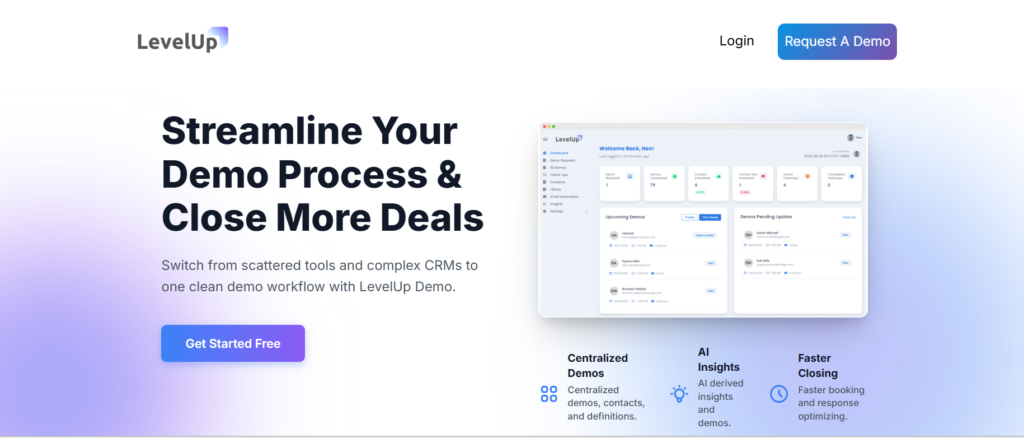
This is where I’ll be direct: most lead routing tools stop at the routing. LevelUp Demo doesn’t.
It captures leads through a smart demo form that replaces your standard “Request a Demo” page, qualifies them automatically based on criteria you set, routes them to the right rep, schedules the demo, triggers follow-up sequences, and tracks outcomes—Won, Lost, In Follow-up, Pending—all in one dashboard.
Unlike traditional routing tools, LevelUp connects routing with demo conversion. That’s the line that matters.
Because routing speed determines whether a demo happens at all, but what happens after the routing determines whether that demo becomes revenue.
The “Sticker” vs. “Reality” Gap: The marketing says “lightweight CRM,” and it genuinely is lightweight—but teams scaling past 10 reps may want deeper CRM integrations. For teams of 1–5, though, the simplicity is the feature, not the limitation.
Visual Checkpoints: When a lead is properly routed and scheduled, you’ll see a clean green status tile in the analytics dashboard. If a lead is stuck in qualification limbo, the tile stays amber with a “Pending” tag—hard to miss, which is the point.
Scaling Penalties: Minimal. The per-user cost stays flat, and because there’s no Salesforce dependency or enterprise admin overhead, your ops burden doesn’t triple at 50 leads/day like it does with heavier platforms.
Ghost Error: One undocumented quirk: if you duplicate a demo form and edit the copy without refreshing the qualification rules, the original form’s logic can bleed into the duplicate. The fix? Delete the duplicate, clear your browser cache, and rebuild from scratch. Takes 4 minutes.
The bottom line: If your problem isn’t “routing leads” but “converting leads into demos and demos into closed deals,” this is the tool that covers the full demo funnel.
Ready to stop routing leads into a void?
LevelUp Demo connects lead capture, qualification, scheduling, follow-ups, and conversion tracking in one system—built for SaaS teams that can’t afford to lose high-intent leads.
2. Chili Piper — Best for Inbound Lead Routing Speed
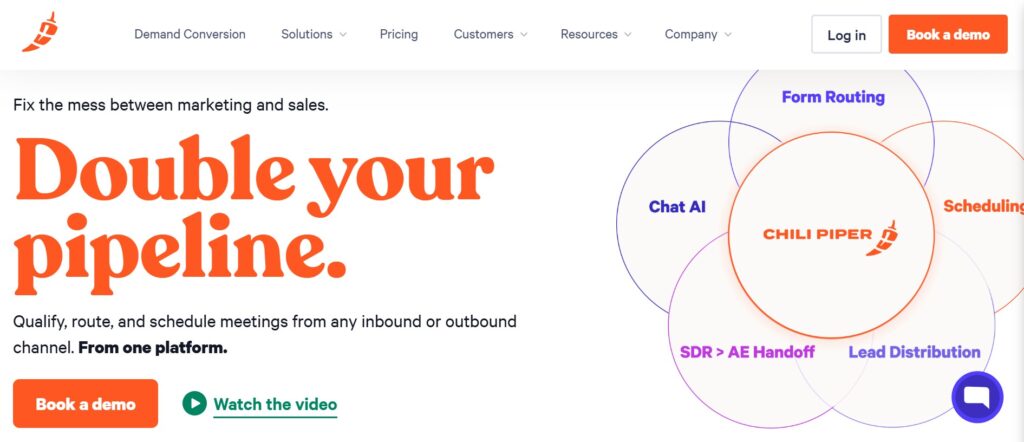
If your only metric is “how fast does an inbound form submission turn into a booked meeting,” Chili Piper is hard to beat.
The calendar slot auto-fills blue the instant a qualified lead submits, and reps get real-time notifications within seconds.
For high-velocity inbound motions—think PLG SaaS with 300+ demo requests per month—the speed is genuinely impressive. Time-to-value is near-instant; you can be live in hours, not weeks.
The “Sticker” vs. “Reality” Gap: “Instant scheduling” is real, but it’s optimized for high-velocity inbound forms. If you’re running outbound-heavy or low-velocity motions, you’re paying for a Ferrari to drive to the mailbox.
It’s also weak on post-demo tracking—once the meeting is booked, Chili Piper largely exits the picture. No follow-up automation. No outcome tracking. No visibility into whether that demo actually converted.
👉 Real SaaS Scenario: A mid-market SaaS team pays for premium routing but fails to set up automated follow-ups. Demos happen instantly, but 60% of prospects ghost after the call because the rep forgot to follow up manually. The routing was perfect; the conversion system was broken.
Visual Checkpoints: Success looks like a blue calendar confirmation overlay on your form. Failure looks like a gray “rep at capacity” overlay that leaves the lead staring at a dead end. When that happens during peak hours, you’ve got a problem.
Scaling Penalties: Base pricing starts at $22.50/user/month, which sounds reasonable. But growth-tier add-ons—advanced routing, capacity-based routing, SLA enforcement features—push costs up roughly 50% at scale. For a 10-person team, you’re looking at $3,000+/year before integrations.
Ghost Error: Double bookings on simultaneous form submits. It’s a known issue in practitioner forums. The weird fix: clear the browser cache on the form page and toggle the webhook connection off and back on. Annoying, but it works.
3. LeanData — Best for Salesforce-Based Enterprise Teams
LeanData is the tool enterprise RevOps teams reach for when they need lead-to-account matching across complex account hierarchies, subsidiary structures, and multi-territory logic.
If you’re running Salesforce at scale with 50+ reps across regions, LeanData’s visual flow builder handles routing complexity that would break simpler tools.
The green territory match icon in Salesforce is satisfying when it works. And at scale, it works well— “LeanData handles territories flawlessly at scale, but initial flows took weeks,” is a sentiment I’ve heard repeatedly.
The “Sticker” vs. “Reality” Gap: The visual flow builder is marketed as “no-code,” and technically it is—you’re dragging and dropping nodes, not writing Apex.
But users consistently report that ownership rules, deduplication logic, and SDR-to-AE handoff configurations require what amounts to a “heavier implementation” cycle. You’ll need a dedicated admin or RevOps person. This is not a solo founder’s tool.
👉 Real SaaS Scenario: An enterprise SaaS team with 50+ reps across 4 global regions uses Salesforce. When a lead from a subsidiary company requests a demo, LeanData’s complex account hierarchy rules automatically match the lead to the exact Enterprise Account Executive handling the parent company, preventing territory overlap conflicts.
Visual Checkpoints: Success: green territory match icon in Salesforce. Failure: a red “unmatched” lead badge that means your routing logic has a gap. If you’re seeing red badges at volume, your territory logic needs a rebuild.
Scaling Penalties: Free trials exist, but production pricing is custom and enterprise-oriented. The real cost isn’t the license—it’s the admin effort. At high-volume processing (500+ leads/day), ops teams report effort triples for monitoring, audit trails, and flow maintenance.
Ghost Error: Leads stuck in queue during peak processing hours. The developer console restart fix—literally restarting assignment rules via the Salesforce developer console—is the undocumented workaround that ops teams pass around like a secret handshake.
4. HubSpot Native Routing — Best for CRM-Based Simplicity
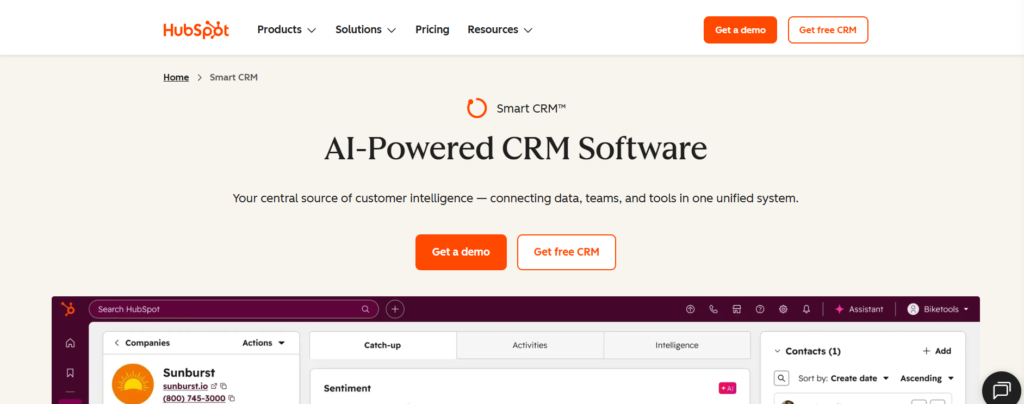
HubSpot’s built-in routing workflows are the “good enough” option for small SaaS teams (under 5 reps) who are already living in HubSpot and don’t want to add another tool to the stack.
Setup is genuinely easy. The workflow tile greens out when active, and for simple round-robin or owner-based assignment rules, it works without drama.
“HubSpot workflows glitch on volume; stick to simple teams” is the community consensus, and I agree.
The “Sticker” vs. “Reality” Gap: “Automated workflows” sounds flexible, but HubSpot’s routing logic is rigid once you move beyond basic scenarios.
Territory logic? Limited. Capacity-based routing? Not native. Lead-to-account matching? You’ll need a third-party integration. The pending lead spinner that persists when workflows stall on volume is a telltale sign you’ve outgrown the tool.
Visual Checkpoints: Success: workflow tile greens out cleanly. Failure: the pending lead spinner hangs, and leads sit in limbo until someone manually intervenes.
Scaling Penalties: Free for basic routing. Growth tier adds roughly $20/month/user with workflow limits that cap your routing logic complexity. The 3-Year TCO is the best on this list (10/10) if—and only if—your needs stay simple.
5. Freshsales — Best for Micro Teams Getting Started
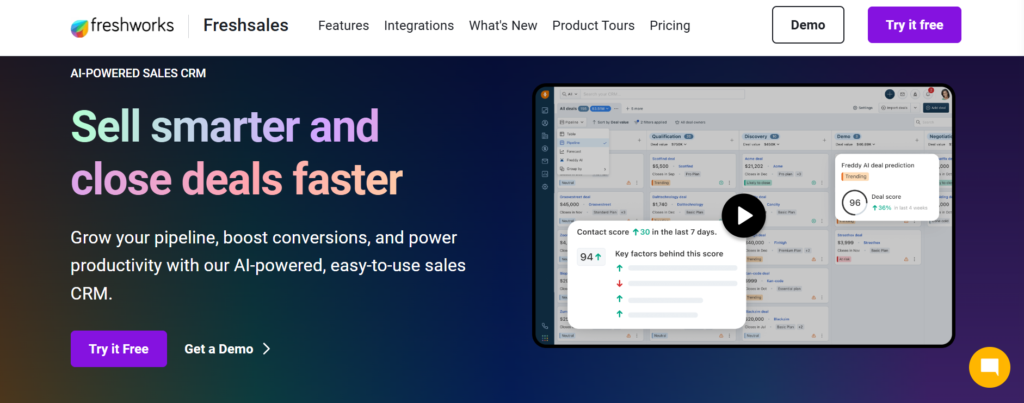
Freshsales bundles a lightweight CRM with basic lead assignment. For solo SaaS founders or 2-person sales teams who just need leads assigned and visible in one place, it’s a reasonable starting point.
The “Sticker” vs. “Reality” Gap: It’s marketed as a “sales CRM with automation,” but the routing capabilities are genuinely basic—round-robin assignment with limited rule customization.
It’s a CRM that happens to assign leads, not a routing tool that happens to have a CRM.
Visual Checkpoints: The lead card updates with rep assignment, but there’s no dedicated routing dashboard or flow visualization. You’re checking individual records, not monitoring a system.
Scaling Penalties: Low entry cost, but teams outgrow it fast. By the time you have 5 reps and need territory logic or capacity-based routing, you’re shopping for a replacement.
Limitation: Not routing-focused. If lead routing is a strategic priority (and if you’re reading this, it should be), Freshsales is a temporary solution, not a destination.
Why Routing Alone Isn’t Enough (The Critical Gap)
Here’s what I keep seeing in SaaS teams that have “solved” routing:
- Leads get assigned. No one follows up within the SLA window.
- Demos get booked. No one tracks the outcome.
- Reps mark leads as “contacted.” No visibility into whether that means an email was sent or a real conversation happened.
- Deals stall in follow-up. No system triggers a reminder.
Routing gets the lead to a rep. That’s step two of six.
Without ownership tracking, automated follow-ups, and conversion visibility, you’re optimizing the beginning of a broken process.
The first few minutes decide the deal. But the first few days after the demo decide the revenue.
The Lead → Demo Conversion Framework
This is the full flow that separates routing tools from conversion systems:
- 1. Lead Captured
Smart form or inbound channel logs the lead automatically - 2. Lead Routed
Assignment rules send the lead to the right rep based on territory, capacity, or priority - 3. Lead Qualified
Automated or rep-driven qualification filters out low-intent requests - 4. Demo Scheduled
Embedded scheduling books the meeting without email back-and-forth - 5. Follow-Up Triggered
Automated sequences ensure no lead goes cold after the demo - 6. Conversion Tracked
Outcome data (Won/Lost/Pending) feeds back into the system for optimization
Most tools on this list cover steps 1–2. Some cover step 4. Only one covers all six.
That’s not a sales pitch—it’s a structural reality of how these tools are built. If your leads aren’t converting, check which steps in this flow are manual, invisible, or missing entirely.
Which Lead Routing Tool Is Best? (Decision Matrix)
- For pure inbound routing speed → Chili Piper. If all you need is form-to-meeting velocity and you have budget for the scaling costs, it’s the fastest path.
- For enterprise Salesforce workflows → LeanData. If you’re running complex territory logic with 50+ reps and have a dedicated RevOps admin, nothing else handles the complexity.
- For simple CRM-based routing → HubSpot Native. If you’re a small team already in HubSpot and your routing needs are basic round-robin, don’t overcomplicate it.
- For end-to-end demo conversion → LevelUp Demo. If your problem isn’t just routing leads but actually converting them into demos and revenue, this is the only tool that covers the complete flow—capture, qualification, routing, scheduling, follow-ups, and outcome tracking.
What SaaS Teams Actually Need
Not just routing. A system.
Every tool on this list solves a piece of the puzzle. Chili Piper solves speed. LeanData solves complexity. HubSpot solves simplicity.
But SaaS teams losing deals aren’t losing them because leads aren’t being assigned. They’re losing them because:
- There’s no qualification layer between “form submitted” and “demo booked”
- There’s no follow-up system after the demo happens
- There’s no visibility into which demos converted and why
What you actually need is a system that ensures leads turn into demos and demos turn into revenue.
That’s a different problem than routing, and it requires a different kind of tool.
Stop optimizing the first step of a broken process.
LevelUp Demo gives SaaS teams the full lead-to-demo-to-revenue workflow—without the Salesforce complexity or the enterprise price tag.
Frequently Asked Questions
What is lead routing software?
Lead routing software automatically assigns incoming leads to the right sales reps based on rules like territory, availability, or lead priority. The goal is to reduce response time and ensure high-intent leads reach qualified reps before the buying window closes. Most tools handle assignment; fewer handle the full conversion workflow.
Why is lead routing important for SaaS teams?
Speed to lead directly impacts demo booking rates. Research consistently shows that leads contacted within five minutes are 40% more likely to convert than those contacted after 30 minutes. For SaaS teams running inbound motions, broken routing means lost revenue—not lost leads, lost revenue from leads you already paid to acquire.
What is the best lead routing software for small SaaS teams?
For teams under 5 reps who need routing and conversion tracking, LevelUp Demo covers the full workflow without enterprise complexity. For teams who only need basic assignment inside an existing CRM, HubSpot Native is the lowest-friction option. The right answer depends on whether you’re solving for routing or for revenue.
Does lead routing actually improve conversion rates?
Routing alone improves response time. Response time improves initial contact rates. But conversion—demo-to-close—requires qualification, follow-ups, and outcome tracking that most routing tools don’t provide. The teams I’ve seen improve conversion 30–40% didn’t just add a routing tool. They added a system that covered the full lead-to-demo flow.
How do I fix Chili Piper double-bookings during peak demo hours?
This is a known issue when multiple form submissions hit simultaneously. The community-tested fix: clear the browser cache on the form page, then toggle the webhook connection off and back on in your Chili Piper settings. If it persists, check for overlapping rep availability windows in your capacity-based routing rules.
How do I configure LeanData for SDR-to-AE handoffs in Salesforce?
Build a dedicated handoff node in the LeanData flow builder that triggers on opportunity creation or lead status change. Map the SDR owner field to the AE territory assignment. The common mistake is routing the lead record instead of the opportunity record—this creates orphan assignments where the AE never gets notified. Test with 10 records before going live.
Final Takeaways
Routing impacts response time. Response time impacts whether a demo happens. Demo follow-through impacts whether that demo becomes revenue.
Tools solve parts. Systems solve outcomes.
If you’re evaluating lead routing software right now, don’t just ask “how fast does it assign leads?” Ask: what happens to that lead 5 minutes after assignment? What happens 48 hours after the demo? Where does the data go?
The teams closing more deals in 2026 aren’t the ones with the most leads. They’re the ones with the tightest system between lead capture and closed-won. That gap is where revenue lives—or dies.