A demo with one buyer is challenging. A demo with five stakeholders can derail an opportunity in under ten minutes.
I’ve watched it happen more times than I’d like to admit. The VP of Sales wants to talk pipeline acceleration. The IT lead is silently waiting for you to mention SSO and API endpoints. The operations manager needs to see the actual workflow. And the CEO? They checked out four minutes ago because nobody’s mentioned ROI yet.
Different priorities. Competing agendas. A finite window of attention. Traditional demos — the kind where you walk through a linear product tour and hope something sticks — collapse under this pressure. Multiple stakeholders don’t create more opportunities. They create more priorities to manage. And if you can’t manage them inside 45 minutes, the deal stalls before you’ve sent the follow-up email.
This is the ultimate guide to sales demos applied to the hardest room you’ll ever present in. Here’s how to hold it together.
How do you run a SaaS demo for multiple stakeholders? To run a SaaS demo for multiple stakeholders, identify each attendee’s priorities before the meeting, tailor the presentation to different roles, balance business and technical discussions, encourage participation, and align next steps around shared goals.
Why SaaS Demo for Multiple Stakeholders Are Different?
A stakeholder group rarely buys software for the same reason.
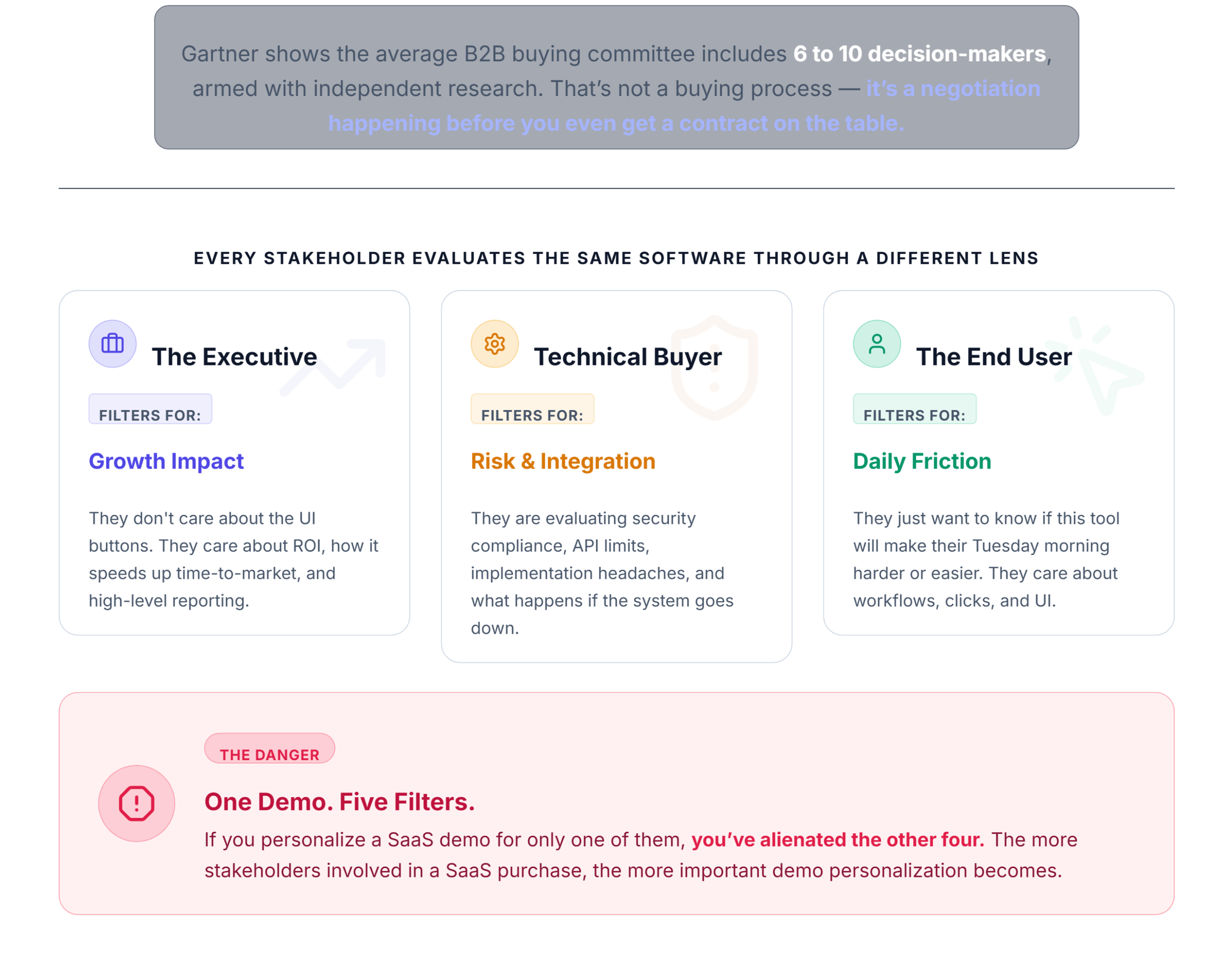
Modern B2B purchasing runs on consensus. Gartner’s research shows the average B2B buying committee includes 6 to 10 decision-makers, each armed with 4 to 5 pieces of independently gathered information. That’s not a buying process — it’s a negotiation happening before you even get a contract on the table.
Longer sales cycles, more internal politics, and a higher bar for proof. Every stakeholder evaluates the same software through a different lens. The CEO filters through growth impact. The technical buyer filters through risk. The end user filters through daily friction. One demo. Five filters. And if you personalize a SaaS demo for only one of them, you’ve alienated the other four.
The more stakeholders involved in a SaaS purchase, the more important demo personalization becomes.
Who Typically Attends a SaaS Buying Committee?
| Stakeholder | What They Care About |
|---|---|
| CEO / Founder | Growth, ROI, strategic alignment |
| VP Sales | Revenue impact, pipeline velocity |
| Operations Manager | Process efficiency, workflow fit |
| IT Leader | Security, integrations, data governance |
| End User | Ease of use, daily experience |
This table matters because it shapes every decision you make in the demo. If you don’t know who’s in the room and what they’re filtering for, you’re guessing. And guessing at this stage is expensive.
The Biggest Mistakes Teams Make During Multiple Stakeholder Demos
- Mistake #1: Treating everyone like the same buyer.
You wouldn’t pitch a CFO the same way you pitch a support manager. But linear demos do exactly that — they flatten the audience into one generic buyer. - Mistake #2: Only speaking to the loudest stakeholder.
The person asking the most questions isn’t always the decision-maker. Sometimes the quietest person in the room holds the veto. - Mistake #3: Ignoring technical concerns.
We’ve seen demos fail because the presenter spent 30 minutes discussing reporting dashboards while the technical stakeholder was waiting for integration details. That’s 30 minutes of silent disqualification. - Mistake #4: Feature dumping.
Multi-stakeholder demos fail when presenters focus on features instead of stakeholder priorities. Nobody needs to see your entire product catalog. They need to see their problem solved. - Mistake #5: No stakeholder mapping.
Walking into a multi-person call without knowing who’s attending, what they own, and what they care about? That’s not confidence. That’s negligence.
If you’re making these SaaS demo mistakes, the room is already lost before you share your screen.
Step 1: Identify Stakeholders Before the Demo
This is the hidden prerequisite that separates good demos from great ones. You need clarity on who is in the room before the call starts.
During your discovery call, ask directly:
- Who will be attending the demo?
- What does each person own or oversee?
- What prompted the evaluation — and whose pain is driving it?
These aren’t filler discovery call questions. They’re the foundation of your entire demo structure. If you can’t answer them, you’re not ready to demo. Full stop.
Use the invite list to build a simple stakeholder map: name, role, likely priority, and the one thing you need to prove to that person. This takes ten minutes and saves you from a 45-minute misfire.
Verification check: If you can name each attendee, their role, and their primary concern before you open your slide deck — you’re ready. If you can’t, go back and qualify demo requests before scheduling.
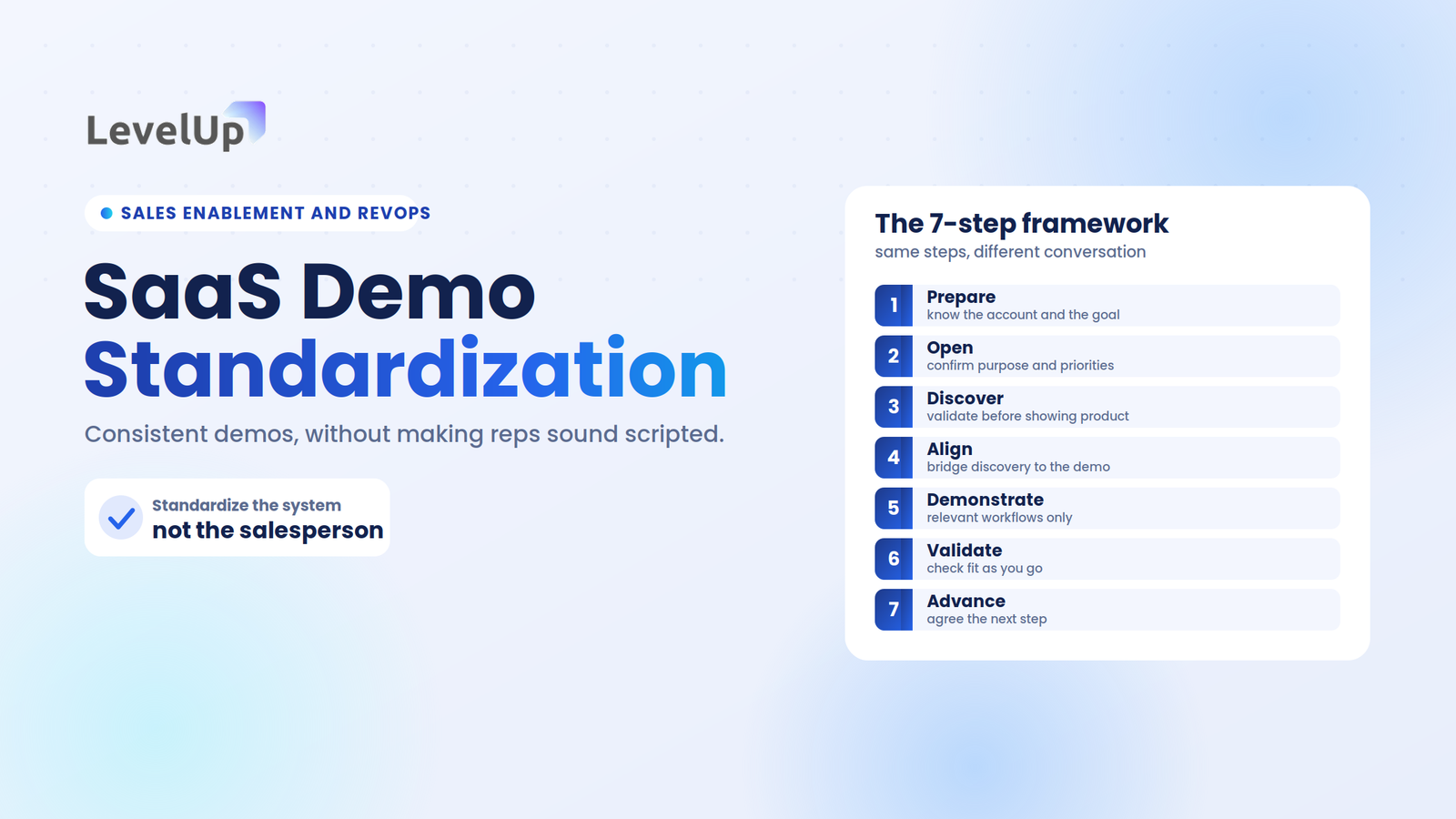
Step 2: Build a Stakeholder-Based Demo Plan
Here’s the framework I use:
- CEO / Executive
Open with ROI and business impact. Keep it high-altitude. Two minutes, tops. - Operations
Show the workflow. Walk through the day-to-day. Make it tangible. - Technical
Cover integrations, security, and architecture. Have a backup artifact ready for deeper dives. - End Users
Demonstrate usability. Click through the interface slowly. Let them see themselves using it.
The best enterprise demos feel like several personalized conversations inside one meeting. You’re not running four separate demos — you’re running one demo with four intentional chapters.
Keep “tracks” ready by persona so you can pivot without rebuilding the demo live. If the CEO drops off early (they will), you’re not stuck mid-ROI-slide with an audience that wants to see integrations.
Step 3: Balance Business and Technical Discussions
This is where most demos break.
Technical stakeholders can hijack the meeting if you don’t set boundaries early. I’ve been in calls where a single question about webhook configurations consumed 20 minutes while three other stakeholders sat in silence.
The fix: acknowledge the technical question, give a concise answer, and explicitly defer the deep dive. “That’s a great question — I have a detailed architecture doc I’ll send right after this. Let me show you the workflow first so everyone gets value from this time.”
This isn’t dismissive. It’s respectful of every person’s time.
When to go deep: If the technical buyer is the primary decision-maker and the room is small, lean into it. Read the room.
When to stay high-level: If you’ve got five people and 45 minutes, stay at the altitude that serves the majority and schedule the technical follow-up separately.
Step 4: Keep Everyone Engaged
A strong multi-stakeholder demo feels like a controlled conversation, not a product tour. The rep explicitly frames the call, names who is present, and segments the demo by audience type so each participant can attach their own concerns to a section.
Pause before each feature. Orient the room. Explain what they’re about to see before you click.
Then ask directed questions:
These aren’t performative. They’re engagement checks. And they surface buying signals you’d never catch in a monologue.
The demo is working when attendees start correcting, expanding, or disagreeing with your recap. That means they feel heard. That means they’re participating in the buying process — not enduring a presentation.
For a deeper breakdown of demo execution mechanics, check out how to give a product demo.
Step 5: Handle Stakeholder Objections Differently
A CEO saying “this seems expensive” and an IT lead saying “I’m not sure about the security model” require completely different responses.
- CEO objections →
Reframe around ROI and opportunity cost. Quantify. - Technical objections →
Provide specifics. Offer documentation. Schedule a technical deep-dive. - User objections →
Show the interface. Let them interact. Reduce perceived complexity. - Operations objections →
Map the workflow to their current process. Show the delta.
The goal is not to satisfy every stakeholder equally. The goal is to address each stakeholder’s biggest concern. One unresolved objection from the wrong person kills the deal.
For a complete breakdown, read our guide on SaaS objection handling.
Step 6: Align Next Steps Across Stakeholders
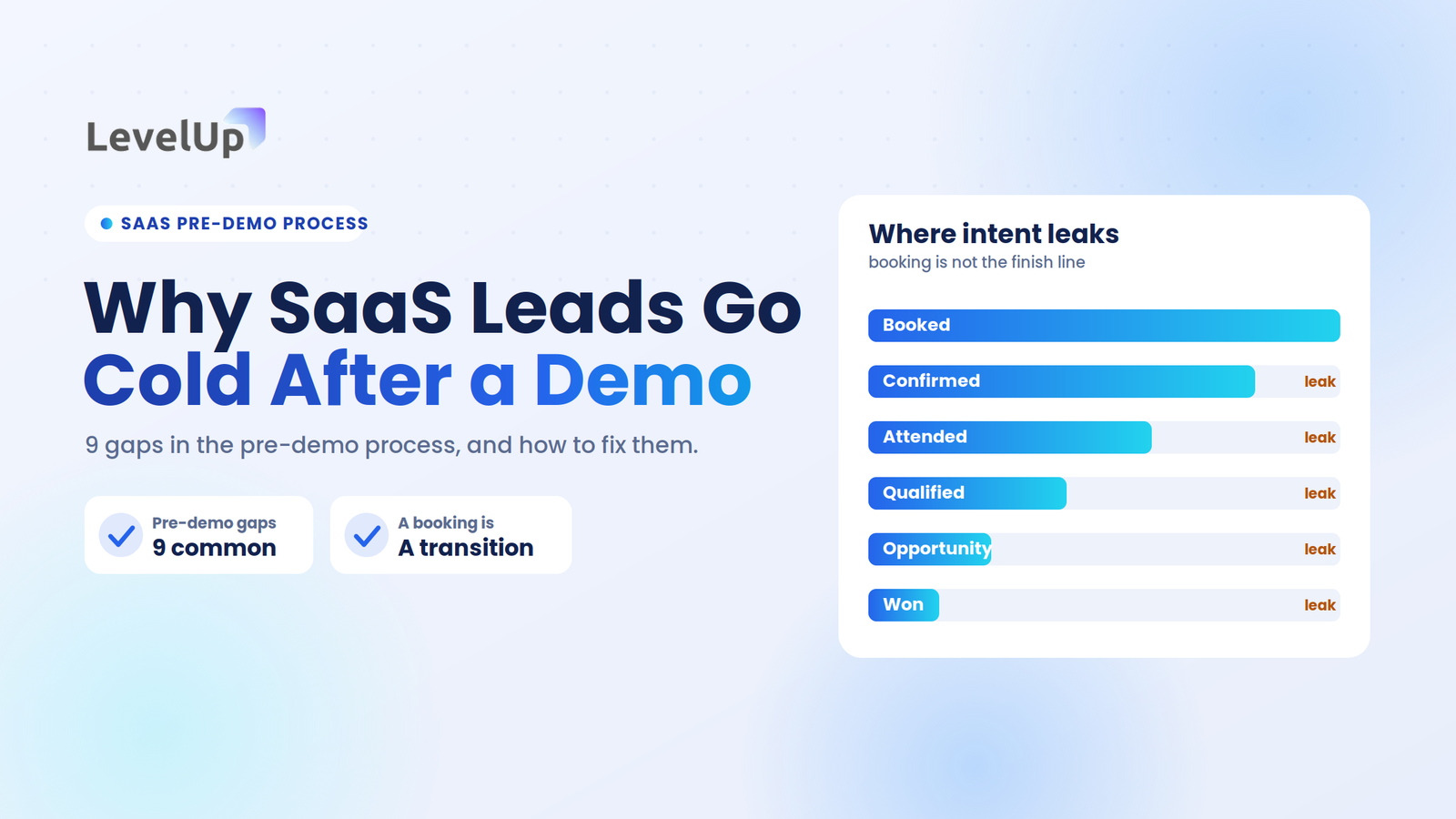
Multi-stakeholder demos often fail after the meeting because next steps were never aligned.
Everyone said “looks great.” Nobody said “here’s what happens next.” The deal drifts into a follow-up void.
Before you end the call:
- Name the next action explicitly.
- Assign an owner for each follow-up item.
- Confirm the timeline — even a rough one.
- Offer a shareable replay or summary so the champion can circulate it internally.
Great SaaS demos create alignment before asking for commitment. That alignment starts with clarity on demo next steps and a realistic view of your demo-to-close rate.
Send each attendee a tailored recap — not one group email. The CEO gets the ROI summary. The IT lead gets the architecture doc. The end user gets a trial invite. Personalized follow-up is what separates a “good demo” from a closed deal.
Example Multi-Stakeholder SaaS Demo Agenda
| Time | Section |
|---|---|
| 5 min | Introductions + agenda framing |
| 10 min | Business goals + “what we heard” recap |
| 15 min | Workflow demo (stakeholder-segmented) |
| 10 min | Technical questions + integration overview |
| 5 min | Next steps + ownership alignment |
45 minutes. Tight. Intentional. Every section has a purpose and every stakeholder has a chapter.
How High-Performing SaaS Teams Run Stakeholder Demos
Stakeholder mapping complete. Demo plan segmented by role. Clean desktop, no notifications, recap artifact ready.
Open with agenda framing. Restate the diagnosis. Segment sections by audience. Pause before each feature. Ask directed questions. Defer technical depth when necessary.
Personalized follow-ups sent within 24 hours. Each attendee gets role-specific next steps. Replay or summary shared for internal circulation. Next meeting confirmed with a clear owner.
This is the framework. It’s not complicated. It’s just disciplined.
How LevelUp Helps Teams Manage Multi-Stakeholder Demos
When you’re running demos for buying committees, visibility matters. You need to know who requested the demo, who’s attending, what they care about, and what happened after the call.
LevelUp gives small SaaS teams that visibility without the overhead of a full CRM migration. Attendee tracking, qualification context, outcome logging, and follow-up workflows — all in one lightweight dashboard. It’s the kind of tool that makes the framework above actually executable when you’re running 15 demos a week with a team of three.
LevelUp Demo
Run buying-committee demos without losing the room.
Attendee tracking, qualification context, outcome logging, and follow-up workflows — in one lightweight dashboard built for small SaaS teams running demos at volume.
FAQ
What is a multi-stakeholder SaaS demo?
A multi-stakeholder SaaS demo is a product demonstration presented to multiple decision-makers simultaneously, each representing different roles, priorities, and evaluation criteria within a buying committee. It requires segmented messaging and role-specific engagement to succeed.
How do you manage multiple stakeholders during a demo?
Map each stakeholder’s priorities before the call, structure the demo in role-specific sections, ask directed questions to each attendee, and defer technical deep-dives when they risk derailing the broader conversation. End with aligned next steps for every person in the room.
Who should attend a SaaS demo?
Typical attendees include executive sponsors, department heads, technical evaluators, and end users. The ideal mix depends on the deal stage — early demos may involve champions only, while later demos should include anyone with decision-making or veto authority.
How do buying committees impact SaaS sales?
Buying committees extend sales cycles, increase the number of objections surfaced, and require consensus-building across roles. Deals involving 6+ stakeholders take significantly longer to close and demand more personalized follow-up to maintain momentum.
What are common mistakes in multi-stakeholder demos?
The most common mistakes are treating all attendees as a single buyer, feature dumping instead of addressing specific pain points, ignoring quiet stakeholders, failing to map the room before the call, and leaving without aligned next steps.