
A prospect clicked through every screen of an interactive demo, spent four minutes exploring the pricing module, and then… nothing. No follow-up. No booking. No signal back to the sales team about what happened or why.
I’ve watched this play out dozens of times. The demo itself was polished. The problem was everything surrounding it — qualification, routing, scheduling, and the post-demo black hole where deals quietly die.
Walnut has become one of the most recognized names in interactive demo software, and for good reason. It’s a strong platform for demo personalization, buyer experiences, and GTM enablement. But not every SaaS team needs the same type of demo platform. Some teams need less demo creation firepower and more demo operations — the scheduling, qualification, follow-up, and conversion visibility that actually moves pipeline.
If you’re reading this, you probably already know what Walnut does. You’re here because something about it doesn’t quite fit: the pricing, the implementation weight, the workflow gaps, or the fact that your 4-person sales team needs a different kind of tool than a 200-seat enterprise presales org.
This guide breaks down the best Walnut alternatives for SaaS teams in 2026, evaluated through a practitioner’s lens — not an affiliate checklist. For a deeper foundation on structuring your demo process before choosing tools, start with our ultimate guide to sales demos.
What are the best Walnut alternatives? The best Walnut alternatives for SaaS teams include LevelUp Demo, Storylane, Navattic, Supademo, Demostack, Consensus, and Reprise. The right choice depends on whether your focus is interactive demos, demo personalization, lead qualification, demo workflow management, or conversion tracking.
The Quick Verdict
Manages qualification, routing, scheduling, and conversion tracking — not just the demo itself.
Multi-format demo creation with same-day time-to-value.
High-fidelity browser-based demos built for marketing-led motions.
Public pricing, lightweight setup, low barrier to entry.
Full sandbox replication for complex product lines.
Buyer-led video demo automation for established presales teams.
Deep demo environment control with enterprise governance.
Why Teams Look for Walnut Alternatives
This isn’t about Walnut being a bad product. It’s about fit.
Here’s what I’ve seen push teams toward alternatives:
Enterprise-weighted implementation. Walnut’s strength is its depth, but that depth comes with setup overhead that can feel heavy for a founding team or a 3-person sales org. If you need to ship a working demo workflow in a week, not a quarter, the implementation curve matters.
Pricing considerations. Several comparison guides note that buyers frequently evaluate alternatives because of pricing structure. Sales-led pricing models don’t always match the budget reality of early-stage SaaS companies. When your burn rate is tight, transparent pricing isn’t a nice-to-have — it’s a requirement.
Different GTM workflows. Walnut excels at creating interactive demo experiences. But some teams don’t need a better demo builder. They need a better demo process — qualification before the demo, routing to the right rep, scheduling without the back-and-forth, and follow-up that doesn’t depend on someone remembering to check a spreadsheet.
The conversion visibility gap. This is the one I see most often. Teams invest in polished interactive product demos but have zero visibility into what happens between “demo requested” and “deal closed.” That gap is where funnel leakage quietly kills pipeline.
How We Evaluated Walnut Alternatives
Most comparison articles score tools on feature checklists. That’s fine if you’re building a spreadsheet. It’s less useful if you’re trying to figure out which tool actually fits your team’s workflow.
Here’s the practitioner’s lens we applied:
- Time-to-value: How quickly can a team ship a usable demo workflow after signup? Same-day matters more than “after onboarding.”
- Workflow fit: Does the tool support founder-led sales and small-team demo management, or is it built for 50-person presales orgs?
- Demo operations depth: Does it handle qualification, routing, scheduling, and follow-up — or only the demo experience itself?
- Pricing clarity and 3-year TCO: Is pricing public and predictable, or does it require a sales conversation and scale unpredictably?
- Integration depth: How well does it connect to your existing GTM stack for lead handoff and revenue enablement?
- Reliability and ease of adoption: Can a non-technical founder or a small CS team use it without dedicated admin support?
We also applied anti-persona guidance. Not every tool is wrong — it’s just wrong for certain teams. That distinction matters more than star ratings.
Best Walnut Alternatives for SaaS Teams
1. LevelUp Demo
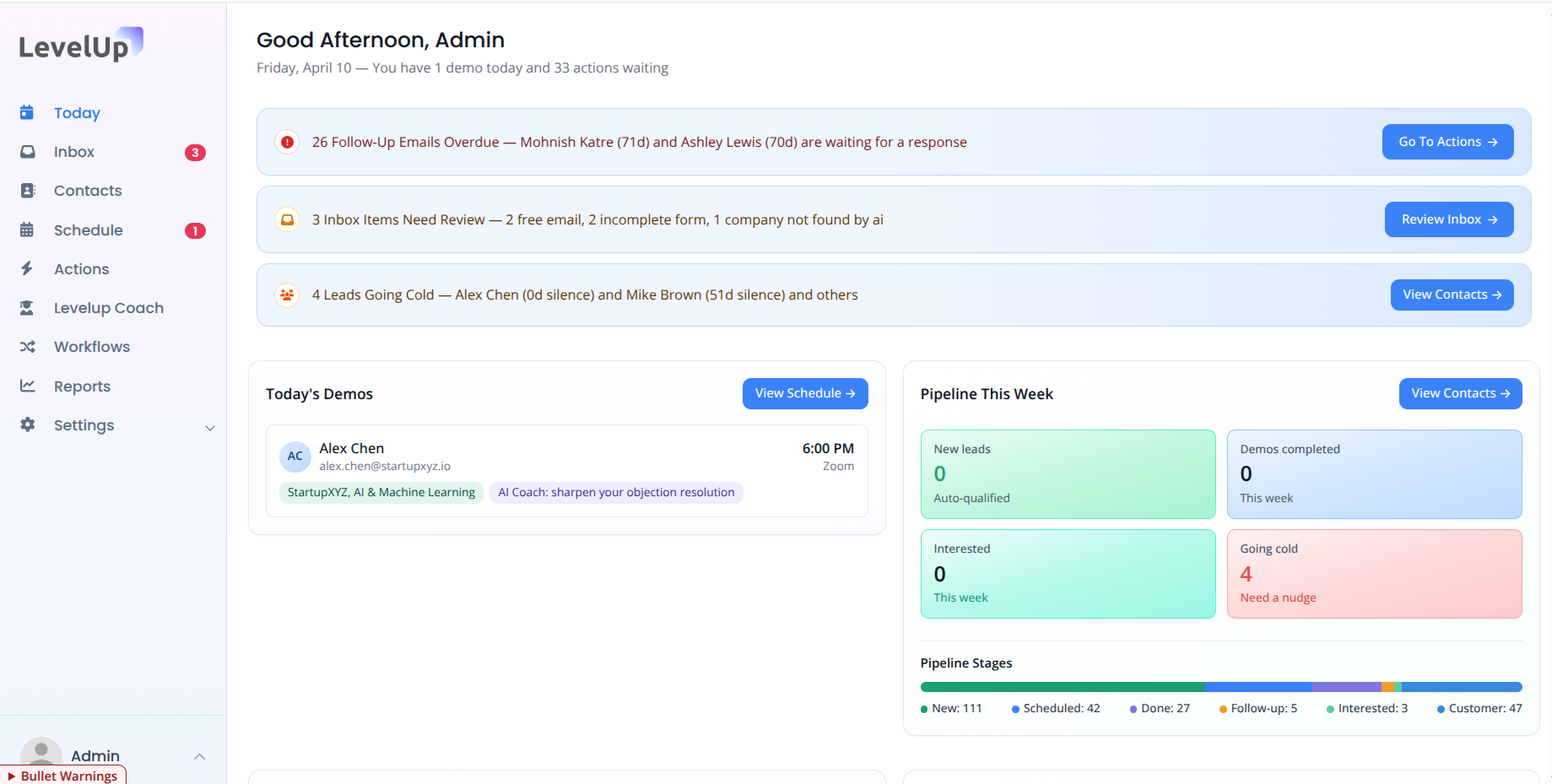
Best for: SaaS teams wanting end-to-end demo operations and conversion management.
Most Walnut alternatives compete on the same axis: build a better interactive demo. LevelUp Demo competes on a different axis entirely. It focuses on the complete demo-to-close workflow — what happens before, during, and after the demo.
Strengths:
- Demo qualification that categorizes and prioritizes inbound requests instantly
- Lead routing to assign the right rep without manual triage
- Built-in demo scheduling tools with Google Calendar integration
- Follow-up workflows with dedicated views, filters, and reminders
- Outcome tracking (Won, Lost, In Follow-up, Pending) with conversion visibility
- Lightweight CRM with company-level grouping and tagging
The “sticker vs. reality” gap: LevelUp doesn’t try to be an interactive demo builder. If your primary need is creating polished no-code product tours, this isn’t the tool. Its strength is everything around the demo — the operational layer that most demo platforms ignore.
Visual checkpoint: A successful setup looks like an active dashboard with demo requests auto-logged, qualification statuses assigned, and follow-up reminders firing without manual input. If your follow-ups view is empty after a week of inbound, something’s misconfigured in the form integration.
Scaling penalty: The lightweight architecture keeps costs predictable as you grow from solo founder to a team of 10. The limitation is integration breadth — if you need deep native connections to 40+ enterprise tools, you may need middleware.
Why choose it: In many SaaS organizations, demo creation isn’t the bottleneck. Demo conversion is. LevelUp is built for teams that already know how to demo their product but are losing deals in the handoff gaps. It pairs well alongside tools like Storylane or Navattic for teams that want both a strong demo experience and a strong demo process. If you’re evaluating demo automation software, this is where operations-first thinking starts.
See how LevelUp Demo handles the demo-to-close workflow
If your team’s challenge is less about building demos and more about converting them, explore LevelUp Demo’s approach to demo operations.
2. Storylane
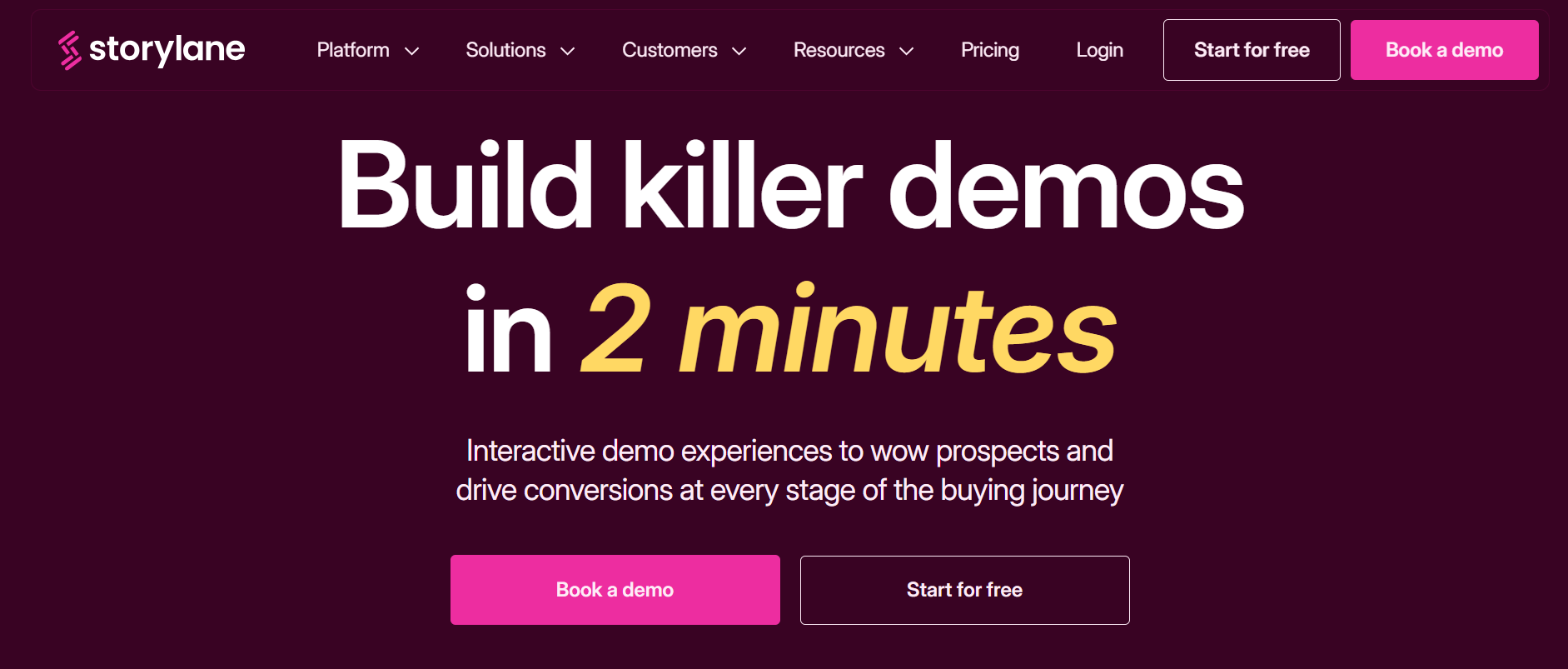
Best for: Interactive demos with speed and ease of use.
Storylane is frequently positioned as one of the broadest interactive demo platforms on the market, and it shows up on nearly every Walnut alternative list for a reason. Multi-format support — screenshots, video, HTML — means teams aren’t locked into a single demo type.
The “sticker vs. reality” gap: The breadth is genuinely impressive, but that same breadth can create unnecessary complexity for teams that only need one simple click-through workflow. You might find yourself navigating features you’ll never use.
Visual checkpoint: A successful Storylane setup should produce a working, shareable demo on the same day you sign up. If you’re still configuring templates after 48 hours, you’re probably overbuilding.
Scaling penalty: Public pricing ranges from a free plan up to roughly $1,200/month at the premium tier. That step-up from free to paid is meaningful for early-stage teams — budget for it before you hit the creator-seat wall.
Ghost error note: Some users report that screenshot capture workflows occasionally produce misaligned hotspots on high-DPI displays. The workaround is recapturing at standard resolution and adjusting overlay positioning manually.
Not ideal for: Teams that need only ultra-basic demos without multi-format complexity, or teams whose primary gap is demo operations rather than demo creation.
3. Navattic
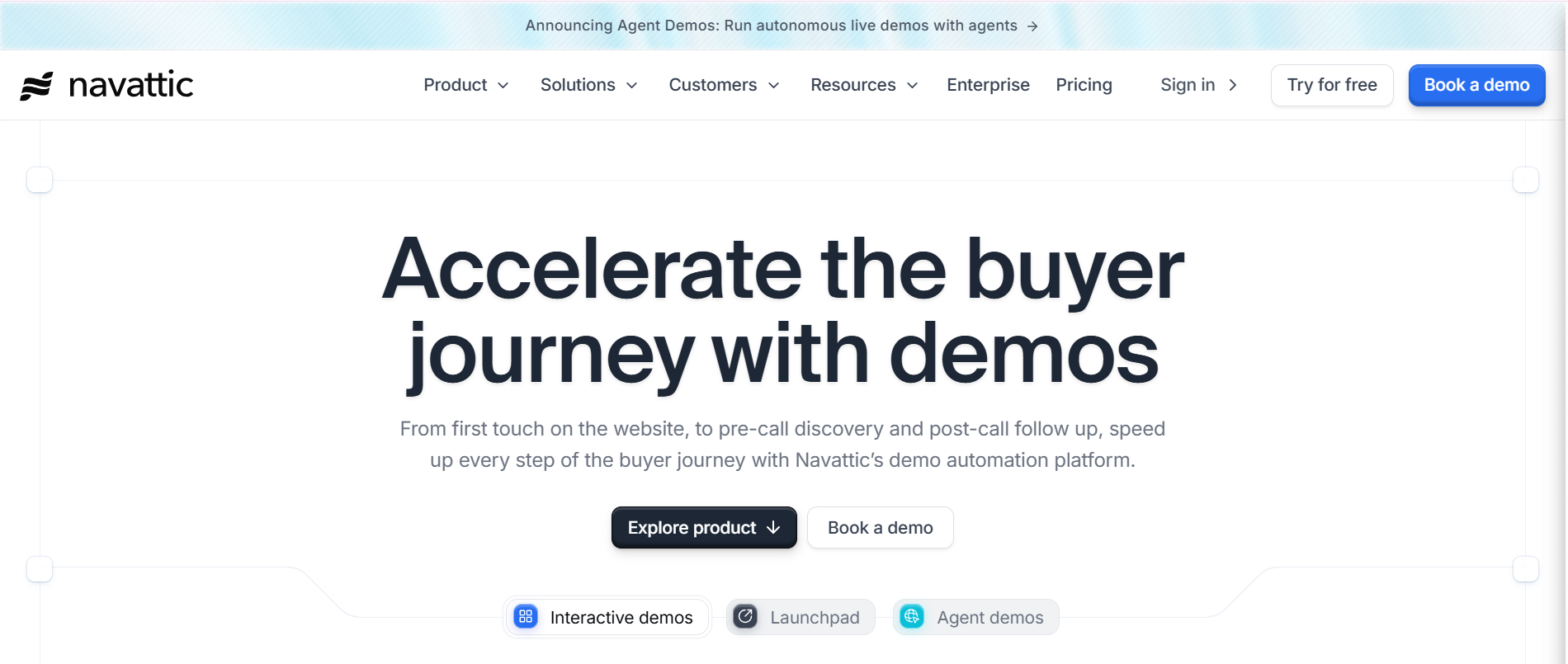
Best for: HTML-based product tours and marketing-led demo experiences.
Navattic has carved out a clear position as the HTML-first interactive demo specialist. If your GTM motion is product-led and you need polished, browser-based guided flows with tooltips and overlays, Navattic is purpose-built for that.
The “sticker vs. reality” gap: It’s marketed as no-code demo creation, and it is — but the “high-fidelity” part means it’s optimized for polished campaigns, not for the fastest possible founder-led setup. There’s a craft element to making Navattic demos look great, and that takes time.
Visual checkpoint: Success looks like a browser-based product flow where each step renders cleanly with interactive tooltips. If your overlays are clipping behind navigation elements, check your z-index layering in the capture settings.
Scaling penalty: Navattic tends toward quote-based pricing at higher tiers, which implies enterprise cost growth rather than predictable self-serve scaling. Plan for a pricing conversation as your team grows.
Not ideal for: Solo founders who need the fastest lightweight setup, or teams whose primary need is demo scheduling and demo lead routing rather than demo presentation.
4. Supademo
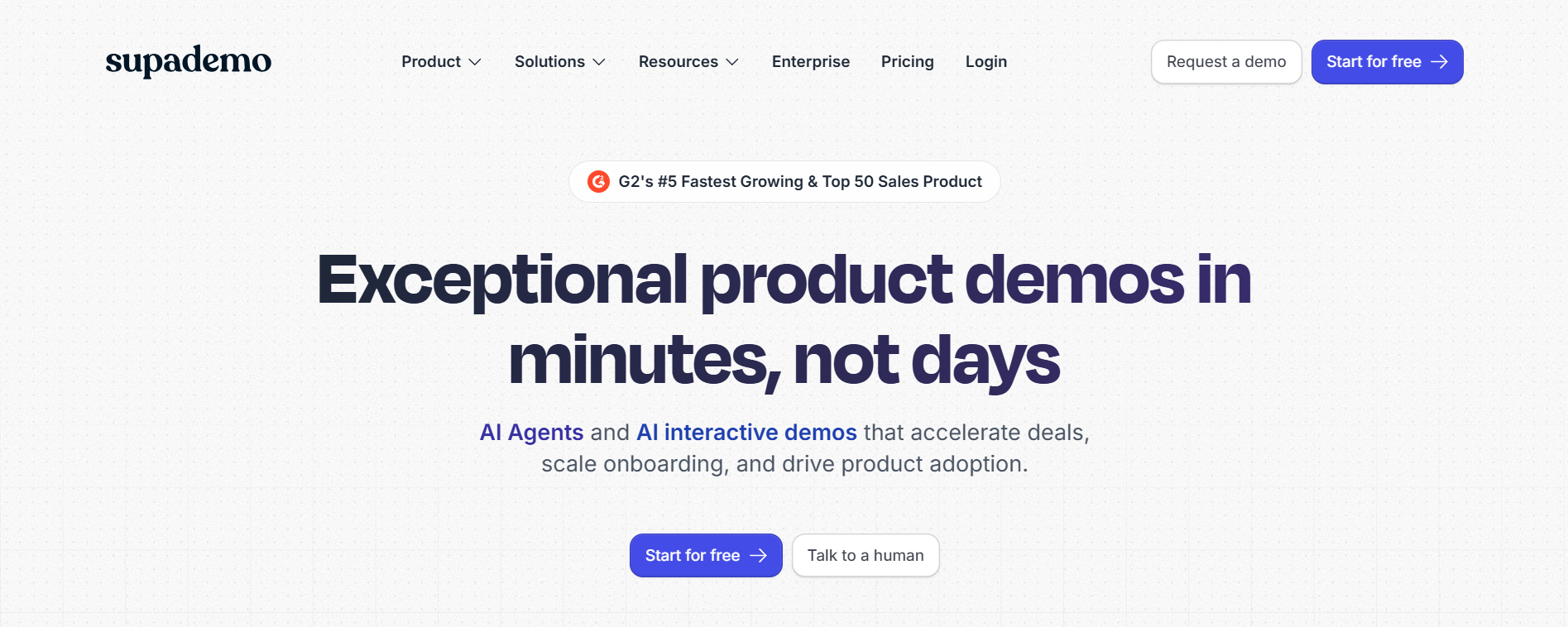
Best for: Fast demo creation for smaller teams on a budget.
Supademo focuses on getting interactive demos and guides live with minimal setup friction. Public pricing and a low-cost entry tier make it attractive for startups watching every dollar.
The “sticker vs. reality” gap: The entry price is genuinely low, but creator-seat costs and feature gates can accumulate faster than expected. What starts as a $30/month tool can quietly become a $200/month commitment as your team and demo library grow.
Visual checkpoint: A working Supademo should be shareable within an hour of signup. If the editor feels sluggish or preview renders are delayed, clearing browser cache and switching to Chrome typically resolves it.
Scaling penalty: The jump from individual to team pricing is where budget-conscious founders get surprised. Map out your 12-month seat projection before committing.
Not ideal for: Large enterprises needing deep sandbox replication or complex demo environment control.
5. Demostack
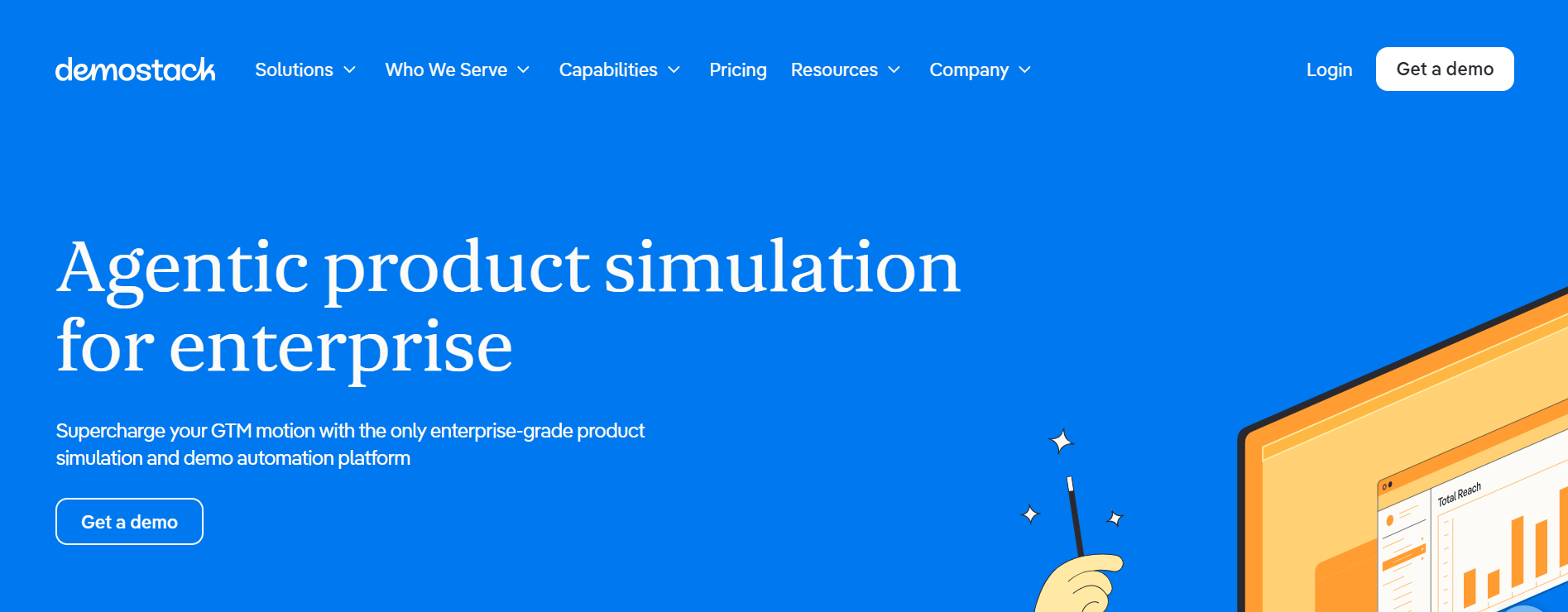
Best for: Enterprise demo environments with full sandbox control.
Demostack is the heavy-lift option. If your product is complex, your presales team is established, and you need full demo environment control with sandbox replication, Demostack delivers.
The “sticker vs. reality” gap: The environment fidelity is impressive, but the cost is enterprise-grade. Multiple sources position Demostack’s pricing significantly higher than self-serve alternatives — we’re talking a meaningful line item in your annual GTM budget, not a team credit card expense.
Visual checkpoint: A properly configured Demostack environment should mirror your production UI closely enough that prospects can’t tell the difference. If data fields are rendering placeholder text instead of realistic values, the data masking layer needs reconfiguration.
Scaling penalty: The 3-year TCO here is among the highest in the category. Budget for implementation support, ongoing maintenance, and per-environment costs that scale with your product line complexity.
Not ideal for: Budget-conscious startups or small founding teams. This is a tool for organizations that already have a presales function and a demo budget.
6. Consensus
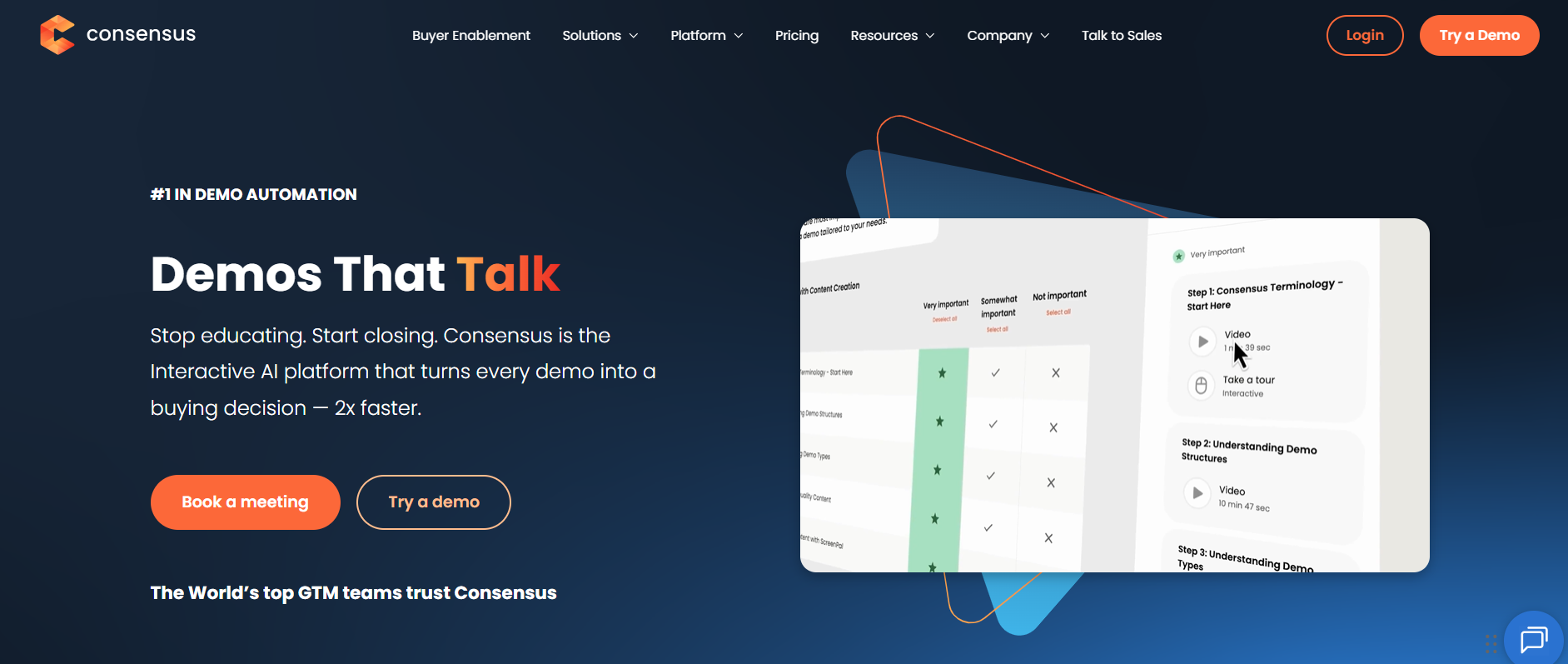
Best for: Video-based demo experiences and buyer-led presales automation.
Consensus takes a different approach than most tools on this list. Instead of interactive click-through demos, it focuses on video-based demo automation where buyers self-select their path through pre-recorded content.
The “sticker vs. reality” gap: The buyer engagement tracking is strong, but the format requires investment in video production. You need quality demo videos before Consensus can do its job — it’s not a creation tool as much as a distribution and tracking layer.
Visual checkpoint: A successful Consensus deployment shows prospects engaging with multiple video chapters and the analytics dashboard reflecting viewer drop-off points. If engagement data looks flat, your video segmentation is probably too broad.
Scaling penalty: Enterprise pricing with presales-team-oriented packaging. The value compounds with team size, but so does the cost.
Not ideal for: Teams whose primary need is a simple interactive walkthrough or teams without existing video demo assets.
7. Reprise
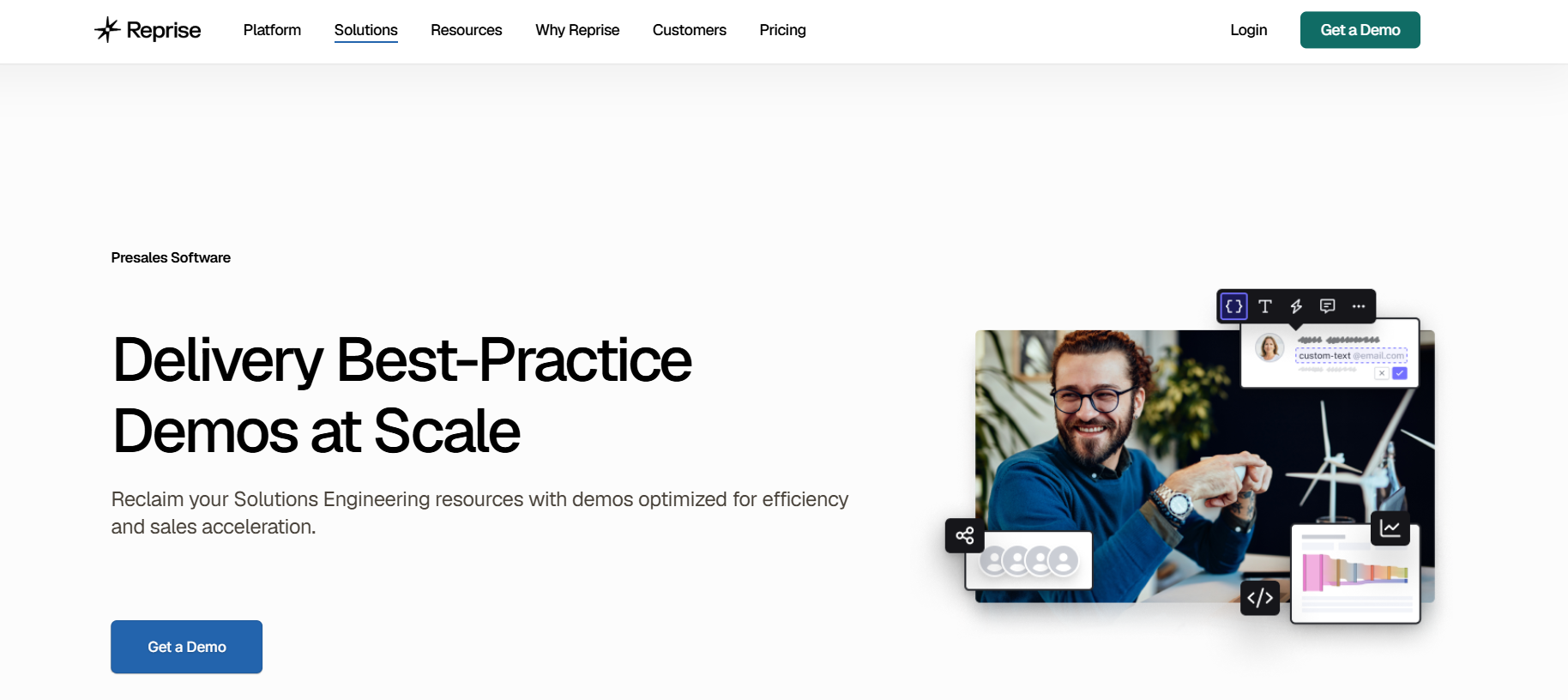
Best for: Large enterprise demo environments with governance requirements.
Reprise is repeatedly positioned as the enterprise-grade, Walnut-like competitor for organizations needing deeper application capture and demo environment control with compliance and governance layers.
The “sticker vs. reality” gap: The depth of control is real, but so is the setup overhead. Reprise is built for teams with dedicated demo engineers or solutions consultants — not for a founder who needs something live by Friday.
Visual checkpoint: A well-configured Reprise environment should allow reps to personalize demos per prospect without touching the underlying capture. If reps are rebuilding demos from scratch for each call, the template library needs restructuring.
Scaling penalty: Sales-led pricing and implementation complexity make this a poor fit for small teams. The ROI math works at scale, not at seed stage.
Not ideal for: Small founding teams, solo operators, or anyone without dedicated presales resources.
Walnut vs LevelUp Demo
This comparison matters because these tools solve fundamentally different problems.
Built for creating demo experiences — strong on interactive demos and demo personalization. More limited on demo qualification, lead routing, scheduling, follow-up workflows, outcome tracking, and conversion visibility.
Built for managing the demo process — strong on qualification, lead routing, scheduling, follow-up workflows, outcome tracking, and conversion visibility. Interactive demos and personalization are limited by design.
Walnut helps teams create demo experiences. LevelUp helps teams manage demo workflow software and conversion operations.
Many SaaS teams don’t need more demo software. They need more visibility into what happens before and after the demo. If your demo-to-close rate is suffering and you can’t pinpoint where prospects are dropping off, the gap probably isn’t in your demo builder — it’s in your demo operations.
Interactive demos help prospects evaluate products, but demo workflows determine whether opportunities move forward. That’s the core distinction here.
Which Walnut Alternative Is Best for Your Team?
- LevelUp Demo
if you need qualification, routing, scheduling, and conversion management. Your demo itself is fine — your process around it isn’t. - Storylane
if you want to create interactive demos quickly across multiple formats and your primary gap is demo creation, not demo operations. - Navattic
if you want high-fidelity HTML-first demos for marketing-led or product-led motions and you have the time to craft polished experiences. - Supademo
if you need simplicity and budget predictability above all else, and your team is small enough that a lightweight tool covers your needs. - Demostack
if you need enterprise demo environments with full sandbox replication and you have the budget and presales team to support it. - Consensus
if you rely heavily on video demos and want buyer-led presales automation with engagement analytics. - Reprise
if you need large enterprise demo environments with governance, compliance, and deep application capture.
For teams evaluating scheduling alongside demo tools, our comparison of Chili Piper alternatives and Chili Piper vs Calendly covers the routing and booking side of the equation.
How Interactive Demos Fit Into the SaaS Buying Journey
Here’s something I think gets lost in the tool comparison noise: the strongest demo platforms solve different stages of the buying journey. Not every stage needs the same tool.
Awareness: Lightweight interactive demos (Supademo, Arcade) let prospects explore without commitment. This is the demo booking rate optimization layer — making it easier for prospects to self-qualify.
Evaluation: High-fidelity HTML demos and personalized walkthroughs (Navattic, Storylane, Walnut) help prospects compare your product against alternatives. This is where product demo best practices matter most.
Qualification: This is the gap most tools ignore. Who should get a live demo? Who’s ready? Who needs nurturing? LevelUp Demo and lead routing software solve this stage.
Live demos: The actual call. Knowing how to give a product demo well is a human skill, but the tools surrounding it — scheduling, prep, context — determine whether the rep walks in ready or blind.
Post-demo engagement: Follow-up workflows, outcome tracking, and conversion visibility. This is where the SaaS demo funnel either converts or collapses.
The best Walnut alternative depends on whether your challenge is demo creation, demo personalization, or demo conversion. Most teams I’ve worked with discover their actual bottleneck is further down the funnel than they assumed.
Final Verdict
Different tools solve different problems. Walnut remains a strong platform for interactive demo creation and personalization — particularly for enterprise GTM teams with established presales functions.
But the best platform for your team depends on whether you need:
- Demo experiences → Storylane, Navattic, Walnut
- Demo personalization → Walnut, Navattic
- Demo environments → Demostack, Reprise
- Demo operations → LevelUp Demo
If your team’s bottleneck is building better demos, the interactive demo tools on this list will serve you well. If your bottleneck is converting demos into revenue — if prospects are requesting demos and then disappearing, if follow-ups are inconsistent, if you can’t tell which demos actually led to closed deals — then the problem isn’t your demo builder.
It’s everything around it.
LevelUp Demo
Ready to close the demo operations gap?
If prospects request demos and then disappear, the gap isn’t your demo builder — it’s everything around it. See how LevelUp Demo connects demo requests to closed deals.
FAQ
What is the best Walnut alternative?
The best Walnut alternative depends on your team’s primary gap. LevelUp Demo is strongest for demo operations and conversion management. Storylane leads for fast interactive demo creation. Navattic excels at HTML-based product tours. The right choice maps to whether you need better demo experiences or better demo workflows.
Why do teams switch from Walnut?
Teams typically explore alternatives due to pricing structure, enterprise-weighted implementation timelines, or workflow gaps around qualification, scheduling, and follow-up. Walnut excels at demo creation and personalization, but teams needing broader demo operations often find they need complementary or alternative tools.
Is Storylane better than Walnut?
Storylane offers faster time-to-value and multi-format demo support with public pricing, making it a strong fit for smaller teams. Walnut offers deeper personalization and enterprise GTM capabilities. Neither is categorically better — it depends on team size, budget, and whether speed or depth matters more.
Is Navattic a good Walnut alternative?
Navattic is a strong alternative for teams focused on HTML-based, marketing-led product tours. It’s particularly well-suited for product-led growth motions. It’s less ideal for teams that need fast, lightweight setup or broader demo operations beyond the demo experience itself.
Which Walnut alternative is best for SaaS teams?
For SaaS teams with small sales orgs, LevelUp Demo addresses the most common operational gaps: qualification, routing, scheduling, and follow-up tracking. For teams focused primarily on demo creation, Storylane and Supademo offer the fastest path to a working interactive demo.
What should I look for in demo software?
Evaluate time-to-value, workflow fit for your team size, pricing transparency, integration depth with your GTM stack, and whether the tool addresses your actual bottleneck — which is often demo conversion, not demo creation. The strongest demo platforms support specific stages of the buying journey rather than trying to do everything.