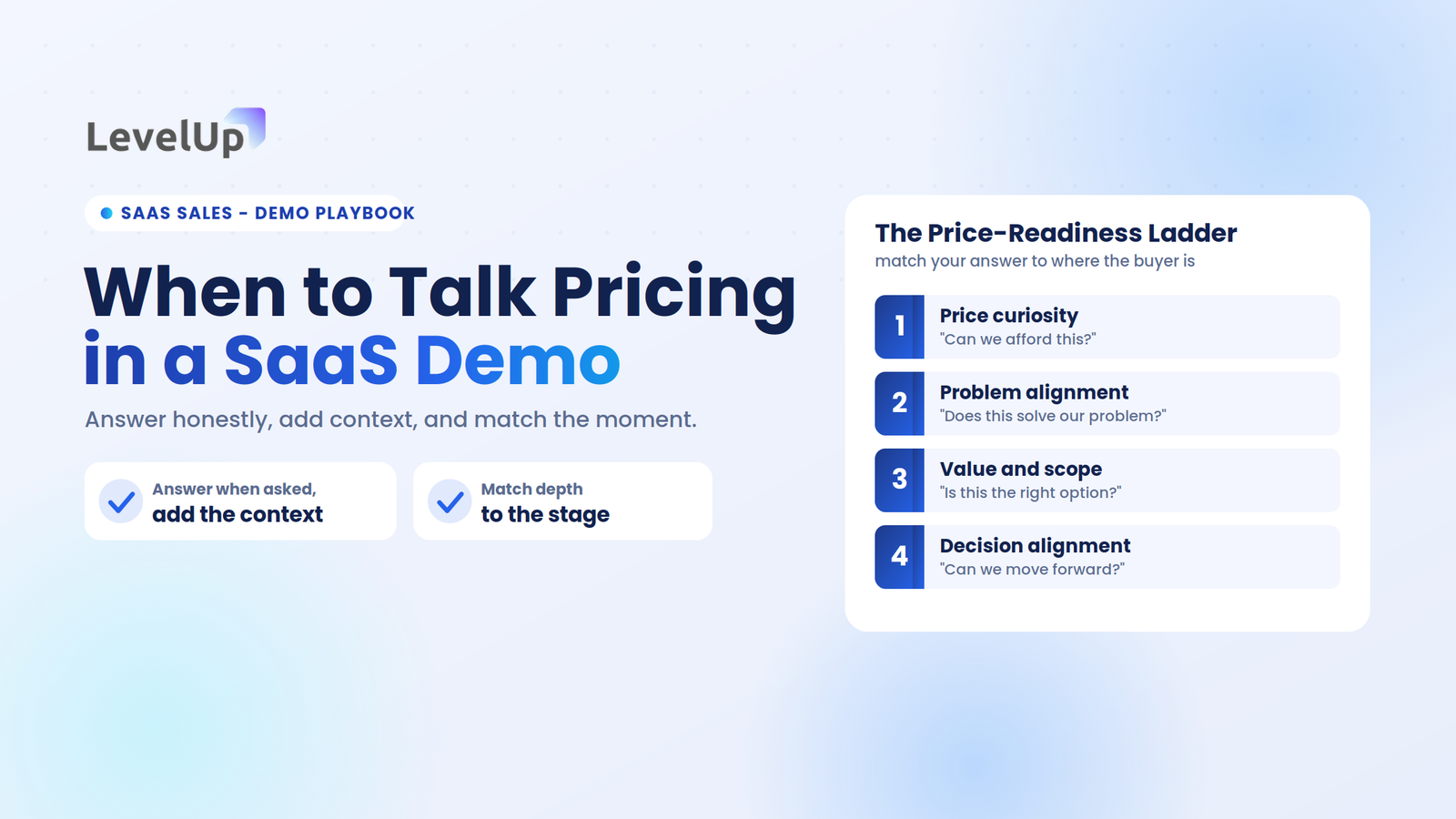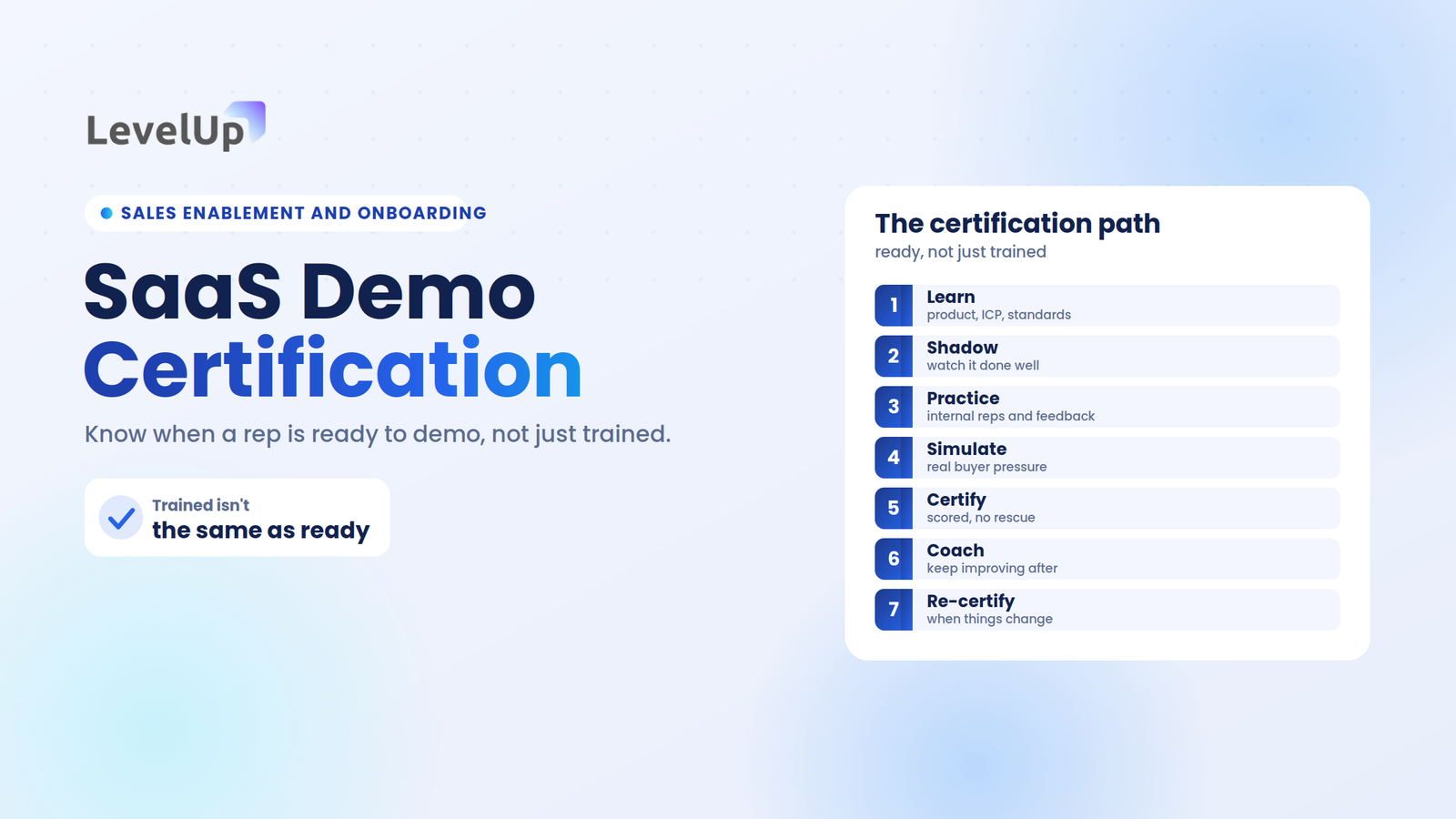
I spent six weeks watching a 4-person sales team book 47 demos and close exactly three.
Their scheduling tool worked flawlessly. The problem was everything after the calendar invite landed.
Scheduling a demo doesn’t mean converting a deal. And that gap — between a booked meeting and actual revenue — is where most SaaS teams hemorrhage pipeline without even realizing it.
TL;DR: Key Insights
- Demo scheduling tools directly impact conversion rates — not just meeting volume
- Most tools focus only on booking meetings, not converting them into revenue
- Routing, qualification, and follow-up automation are critical for demo success
- SaaS teams lose the most revenue between scheduling and post-demo stages
- The best tools manage the full demo-to-deal workflow, not just the calendar slot
What Are Demo Scheduling Tools?
Demo scheduling tools help SaaS teams automate meeting booking, route leads to the right reps, and manage demo requests without manual back-and-forth.
But here’s the thing most comparison posts skip: the vast majority of these tools stop at the calendar event.
They don’t handle demo conversion, outcome tracking, or follow-up processes — the stages where deals actually get won or lost.
Why Demo Scheduling Tools Matter More Than You Think
Most SaaS teams treat scheduling as a logistics problem. Pick a time, send a link, done.
In reality, it determines whether a demo ever turns into revenue.
The scheduling layer is where lead qualification happens (or doesn’t), where routing decides if the right rep gets the right prospect, and where intake form customization either captures buying signals or lets them evaporate.
Most teams don’t realize that demos are part of a larger demo funnel, not just a single meeting. When you treat scheduling as isolated from conversion, you optimize for volume.
And more demos don’t fix revenue — better conversion does.
I’ve seen teams double their demo volume with Calendly and watch their close rate drop.
Because they were booking unqualified leads, skipping follow-ups, and losing context between the form submission and the actual call.
What to Look for in a Demo Scheduling Tool
Here’s the practitioner’s lens I used to evaluate every tool on this list — weighted toward what actually moves revenue, not feature-list padding:
- Time-to-Value: How fast can you go from setup to first booked demo? Under 5 minutes for solos matters.
- Lead Routing & Qualification: Does it support round-robin routing, skills-based lead routing, or just dump everyone into one calendar?
- Calendar Sync Depth: Native Google/Outlook integration that doesn’t ghost on timezone conflicts.
- Follow-Up Automation: Post-demo nudges, reminders, and structured outcome capture.
- Conversion Tracking: Can you see what happened after the demo — won, lost, in follow-up?
- 3-Year TCO: What does scaling from 1 user to 5 actually cost? Seat-based pricing gets brutal fast.
The goal is not just to schedule demos — it’s to convert them.
Best Demo Scheduling Tools for SaaS Teams
1. LevelUp Demo — Best for End-to-End Demo Conversion
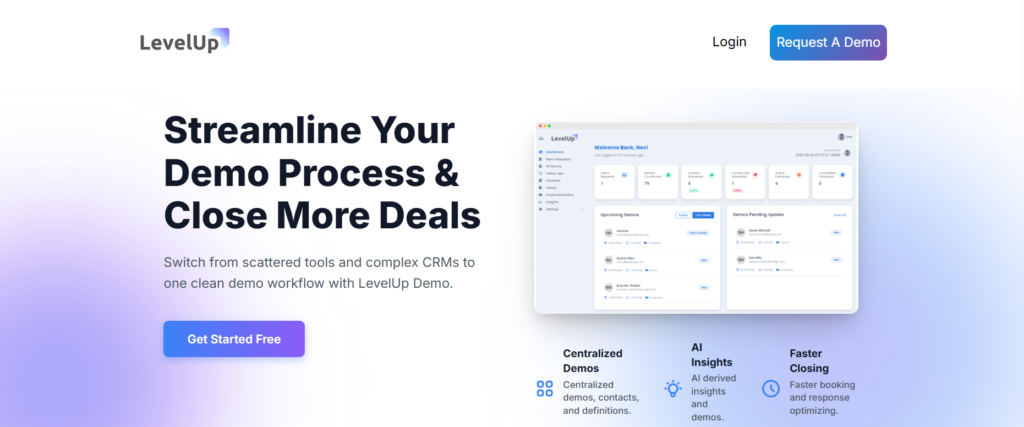
LevelUp Demo isn’t just a scheduling tool. It’s a complete demo workflow and conversion system built specifically for SaaS teams that are tired of stitching together 4 different apps to manage their demo pipeline.
Key strengths:
- Capture and qualify demo requests through a smart demo form that auto-logs leads
- AI-powered lead enrichment — so reps walk into calls with context, not cold
- Built-in scheduling with Google Calendar integration
- Automated follow-ups with reminders that actually reduce no-shows
- Outcome tracking (Won, Lost, In Follow-up, Pending) and AI-driven insights on what’s converting
The “Sticker” vs. Reality: The dashboard stays clean and lightweight — this isn’t a bloated CRM pretending to be a demo tool. The trade-off is a smaller integration ecosystem compared to Salesforce-native platforms. But for teams of 1–5, that simplicity is the feature.
Scaling reality: Pricing stays lean for small teams. No seat-based surprise at 5 users that suddenly triples your bill.
Why it stands out: Unlike traditional tools, LevelUp manages the entire journey from demo request to deal conversion. Demo funnel stage organization, follow-up management, and conversion analytics live in one view. No Zapier chains. No spreadsheet tracking.
Best for: SaaS teams struggling with demo-to-close conversion, teams juggling multiple tools, and anyone wanting full visibility into demo performance without enterprise complexity.
Ready to stop losing deals after the demo?
LevelUp Demo connects scheduling with follow-up, qualification, and conversion tracking — so nothing falls through.
2. Chili Piper — Best for Inbound Lead Routing
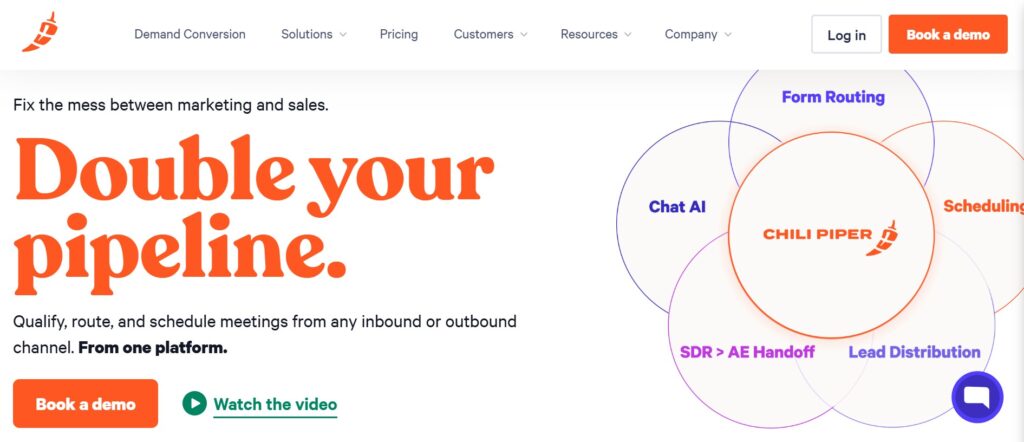
Chili Piper shines when your inbound volume is high and speed-to-lead matters. The skills-based lead routing is genuinely strong — qualified leads hit the right rep’s calendar in seconds.
The “Sticker” vs. Reality: “Instant demo booking” sounds frictionless. But the qualification forms on mobile? Users in B2B SaaS forums report them overloading smaller screens, with one practitioner noting a 30% mobile conversion drop. The blue “Qualified” spinner is satisfying when it works. The grayed “Routing Failed” modal less so.
Scaling penalty: Starts around $30/user/month. For a team of 5 with deep CRM setup, expect $10K+/year — and significant configuration time for Salesforce routing rules.
Limitation: Lacks a full post-demo conversion workflow. It gets the lead to the demo fast. What happens after? That’s on you.
3. Calendly — Best for Simple Scheduling
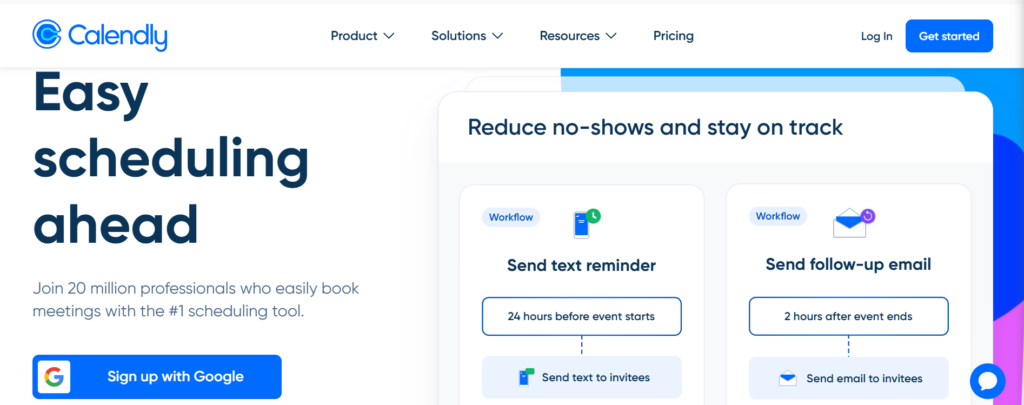
Everyone knows Calendly. Time-to-Value is unmatched — you can share a booking link within minutes of signing up. For solo founders who just need meetings on their calendar, it’s the default for a reason.
The “Sticker” vs. Reality: “Effortless team routing” is marketed as seamless, but users report clunky round-robin failures on shared calendars. Success looks like a green “Confirmed” badge. Failure is a red “Conflict” overlay when availability hits 100% fill — and you won’t always catch it.
Scaling penalty: Free tier to Teams ($20/user/month) adds $720/user over 3 years. Workflow rules get messy fast with more than 3 people.
Ghost error worth knowing: Double-bookings on Google sync. The weird fix? Toggle “Convert to your local timezone” in event settings. (I know, it makes no sense. But it works.)
Limitation: No lead qualification. No conversion tracking. No CRM deal logging beyond basic Zapier workarounds. It books meetings. That’s it.
4. Demodesk — Best for Demo Experience
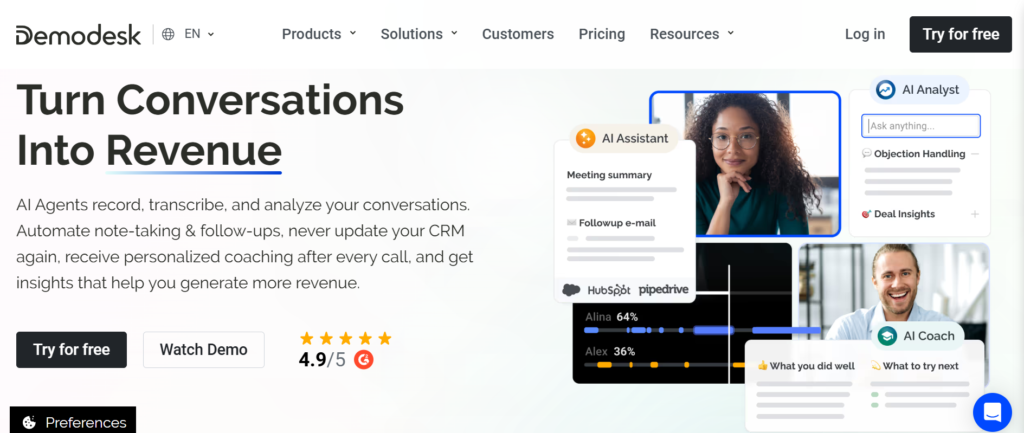
Demodesk focuses on the meeting itself — screen sharing, interactive presentations, and real-time collaboration during demos. If your bottleneck is demo quality rather than demo volume, it’s worth evaluating.
Limitation: Limited workflow beyond the demo event. Scheduling is functional but not its strength. Post-demo tracking and follow-up automation are thin.
5. HubSpot Meetings — Best for CRM Integration
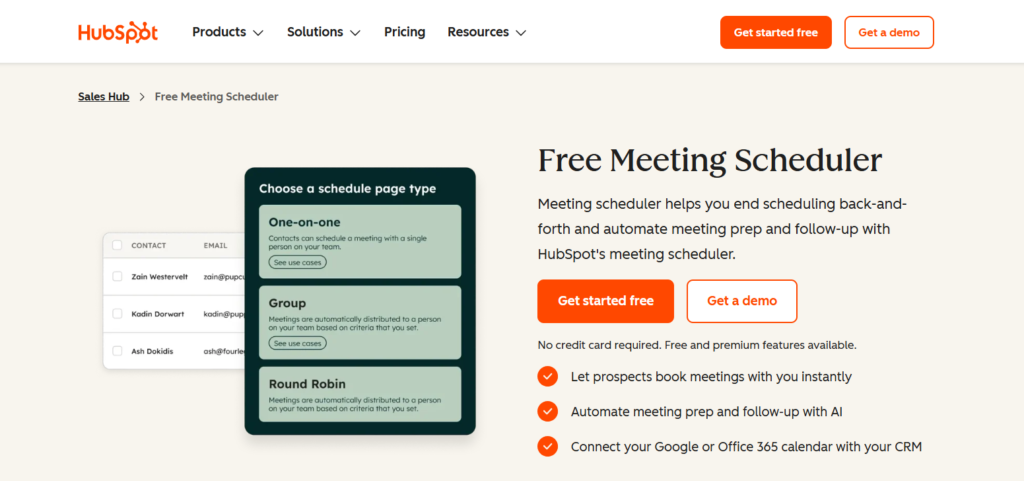
If you’re already deep in HubSpot’s ecosystem, Meetings is free and auto-populates deal cards with booking data.
The visual checkpoint: a clean deal card thumbnail after every booking. When it fails, you get a blank “Logged” status with no context.
The “Sticker” vs. Reality: “Free CRM logging” works great — until your intake form has custom questions. Long inputs get truncated. Non-HubSpot CRM users need Zapier, which adds friction.
Ghost error: Minimal community friction reported — it’s stable but generic.
Limitation: This is scheduling bolted onto a CRM, not a demo-focused tool. No demo funnel visibility. No outcome tracking.
Conversion Comparison: What Actually Matters
- Feature: Demo Scheduling
LevelUp Demo (✅) | Chili Piper (✅) | Calendly (✅) | Demodesk (✅) | HubSpot (✅) - Feature: Lead Qualification
LevelUp Demo (✅) | Chili Piper (⚠️) | Calendly (❌) | Demodesk (❌) | HubSpot (❌) - Feature: Follow-Up Automation
LevelUp Demo (✅) | Chili Piper (⚠️) | Calendly (❌) | Demodesk (❌) | HubSpot (❌) - Feature: Conversion Insights
LevelUp Demo (✅) | Chili Piper (❌) | Calendly (❌) | Demodesk (❌) | HubSpot (❌) - Feature: End-to-End Workflow
LevelUp Demo (✅) | Chili Piper (❌) | Calendly (❌) | Demodesk (❌) | HubSpot (❌)
Most tools optimize for booking, not conversion. That table makes the gap obvious.
Why Most Demo Scheduling Tools Don’t Improve Conversion
Here’s the uncomfortable truth: most tools stop at the calendar event.
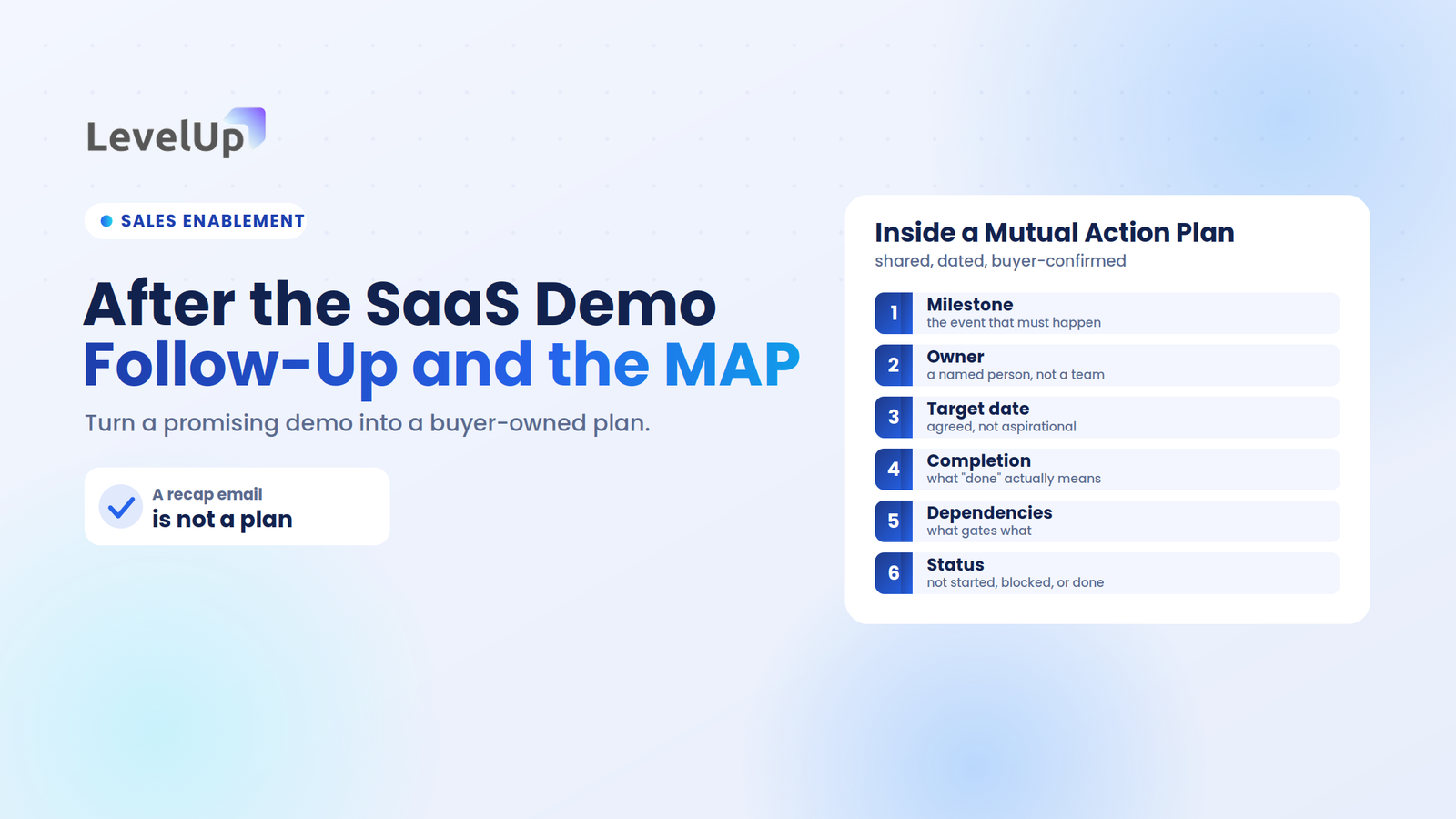
But conversion happens after the demo — through structured follow-ups, outcome tracking, and workflows that hold reps accountable.
Many users drop off after demos due to poor follow-up and lack of structure. A tool that books 50 demos a week but provides zero visibility into what happened next is a scheduling tool, not a revenue tool.
The teams I’ve seen close at 25%+ aren’t booking more demos.
They’re converting the ones they have — with systems that track every stage after the meeting ends.
The Demo Scheduling → Conversion Framework
I call this the Demo Conversion Flow — and most tools only cover steps 2 and 3:
- Lead Request → Prospect submits a demo request
- Routing → Lead gets assigned to the right rep based on qualification
- Scheduling → Meeting gets booked on both calendars
- Demo → The actual meeting happens
- Follow-Up → Structured post-demo outreach with context
- Conversion → Deal outcome tracked, insights captured
Steps 1, 5, and 6 are where revenue lives. And they’re exactly where most scheduling tools go silent.
Which Demo Scheduling Tool Is Best?
- For speed → Chili Piper (fastest inbound routing)
- For simplicity → Calendly (lowest setup friction)
- For demo experience → Demodesk (best in-meeting features)
- For CRM-native teams → HubSpot Meetings (free if you’re already there)
- For full demo-to-deal conversion → LevelUp Demo (the only tool that manages the entire workflow)
FAQ
What is the best demo scheduling tool for SaaS teams?
It depends on your bottleneck. For pure scheduling, Calendly wins on simplicity. For end-to-end demo conversion — from request capture through follow-up and outcome tracking — LevelUp Demo covers the full workflow most tools ignore.
Are scheduling tools enough for SaaS sales?
No. Scheduling handles one step in a six-step process. Without qualification, follow-up automation, and conversion tracking, you’re optimizing for meeting volume, not revenue.
What actually improves demo conversion?
Structured follow-ups within 24 hours, lead qualification before the demo, outcome tracking after, and a system that connects all of it. Tools alone don’t convert — workflows do.
Do scheduling tools increase sales?
They increase demo volume. Whether that translates to sales depends entirely on what happens after the meeting. Teams using conversion-focused platforms report measurably higher close rates because no lead falls through the cracks.
Final Takeaways
Scheduling alone does not drive revenue. Most SaaS teams lose leads in the gap between the demo and the deal — a gap that traditional scheduling tools don’t even acknowledge exists.
Conversion requires a system, not just a calendar link. The right platform connects scheduling with qualification, follow-up, and insights so you can see exactly where deals stall and why.
If your current tool books meetings but can’t tell you what happened after — that’s your problem.