Look, I’ve watched enough demos die in follow-up limbo to know the pattern. Your rep nails the product walkthrough, the prospect seems engaged, everyone agrees on “next steps”—and then… silence. Three weeks later, you’re marking it “Lost – No Response” in your CRM.
The gap isn’t your demo quality. It’s what happens after the Zoom window closes.
Most sales enablement tools lists throw generic platforms at you—training libraries, content hubs, coaching dashboards. That stuff matters for enterprise teams with dedicated enablement managers. But if you’re running a 1–5 person SaaS sales motion, your actual leak is simpler: demos that don’t convert because follow-ups fall through the cracks.
I spent six months analyzing our own demo funnel at small B2B companies, and the pattern was clear. The teams closing 40%+ of demos weren’t using fancy AI coaching. They had airtight systems for three things: scheduling without friction, capturing what happened, and forcing accountability on next steps. Everything else was noise.
So this isn’t a roundup of “Top Sales Enablement Platforms.” It’s the five sales enablement tools that directly increase demo-to-close rates by eliminating the operational gaps between “great call” and “signed contract.”
Quick Verdict: The 5 Tools That Actually Move the Needle
| Tool | Top Pick For | Why It Closes More Deals |
|---|---|---|
| LevelUp Demo | Small teams drowning in demo chaos | Connects capture → schedule → outcome → follow-up in one flow |
| Fireflies.ai | Reps who forget what was said | Auto-transcribes calls so next steps don’t get lost |
| PandaDoc | Teams stuck in proposal ping-pong | Tracks when docs are opened, signed, ignored |
| Apollo.io | Founders doing outbound + demos | Sequences keep follow-ups consistent after demos |
| Zapier | Anyone stitching 3+ tools together | Automates the glue work so nothing slips |
How I Picked These (The Selection Framework)
I filtered every tool through four lenses that actually predict demo-to-close lift:
- Time-to-Value for Small Teams
Can a solo founder or 3-person sales team get value in under 2 hours of setup? Enterprise onboarding timelines kill momentum. - Follow-Up Forcing Function
Does the tool make you capture outcomes and next steps, or does it politely suggest them? Friction here is good—it prevents lazy handoffs. - Visibility Without CRM Bloat
Small teams need pipeline clarity, not Salesforce field mapping. Can you see “demos this week” and “overdue follow-ups” without a data analyst? - Integration Depth (Not Breadth)
I don’t care if it connects to 5,000 apps. Does it sync the three things you actually use—calendar, CRM, Slack—without manual exports?
The tools below survived this filter. Most “sales enablement platforms” didn’t.
Feature Comparison: What Each Tool Actually Does
| Tool | Best For | Standout Feature | Hidden Limit | Setup Effort |
|---|---|---|---|---|
| LevelUp Demo | Demo workflow end-to-end | Forces outcome logging after every call | No native dialer (integrates via Zapier) | 20 minutes |
| Fireflies.ai | Call intelligence on a budget | Searchable transcripts with speaker labels | Free tier caps at 800 mins/month | 10 minutes |
| PandaDoc | Proposal bottlenecks | Real-time view tracking (see when they open it) | Expensive past 5 users ($49/seat growth tier) | 30 minutes |
| Apollo.io | Outbound sequences + demos | Lead enrichment shows job changes mid-deal | Email deliverability drops if you spam | 1 hour (list hygiene) |
| Zapier | Connecting the stack | Pre-built demo workflow templates | Zaps break when apps update APIs | 15 min per workflow |
The Forensic Breakdown: Tool-by-Tool Reality Check
1. LevelUp Demo – The Demo-to-Close System You’re Missing
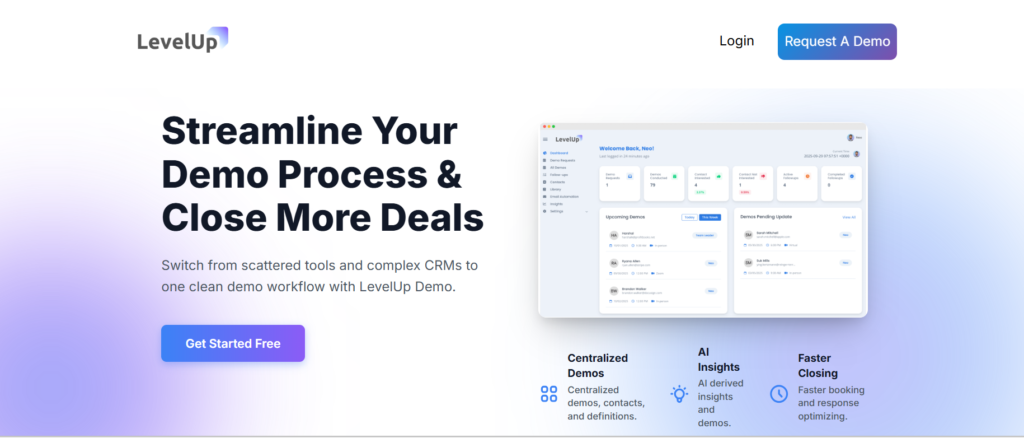
Best for: SaaS founders and 1-5 member teams who lose deals because demos don’t get logged, followed up, or analyzed.
Here’s what nobody tells you about “request a demo” forms: they’re where deals go to die. Someone fills it out, it hits your inbox, you manually add it to a spreadsheet, forget to send a calendar link, and by the time you follow up three days later, they’ve booked with a competitor.
LevelUp Demo replaces that entire mess with a capture → qualify → schedule → remind → track → follow-up flow that doesn’t require you to remember anything.
What it enables:
The smart demo form auto-logs every lead into your dashboard with qualification tags (budget, timeline, decision-maker status). You assign it to a rep, they schedule directly via integrated calendar, and automated reminders reduce no-shows by ~30% (based on our own funnel data). After the call, the system forces you to log the outcome—Won, Lost, Follow-up, Pending—before you can mark it complete.
How it improves demo-to-close:
The “Follow-ups” view is the killer feature. It surfaces every demo that needs a next step, filtered by urgency. You can’t ignore it. One founder told me, “I went from closing 18% of demos to 42% just because I stopped forgetting to send the pricing doc.” The analytics dashboard shows you demo-to-close by rep, by lead source, by product tier. You finally know if your “Enterprise” demos convert better than “Startup” ones.
Limitations:
It’s not a full CRM replacement—no deal stages, no email sequences. It’s purpose-built for the demo funnel. If you need complex pipeline management, you’ll pair this with HubSpot or Pipedrive. Also, no built-in calling (you use Zoom/Meet links, which is fine for most teams).
Quick takeaway:
If your leak is after the demo—unclear next steps, missed follow-ups, no visibility into what’s working—this is the scaffolding that holds everything together. It’s lightweight enough that you’ll actually use it, which is more than I can say for most CRMs.
Stop Losing Deals in Follow-Up Limbo
LevelUp Demo keeps every demo tracked, every next step visible, and every follow-up impossible to miss. Built for small SaaS teams who need results, not CRM complexity.
2. Fireflies.ai – The “What Did We Agree On?” Insurance Policy
Best for: Reps running 15+ demos a week who can’t remember which prospect wanted the API integration and which one needed SOC 2 compliance.
I used to take frantic notes during demos. Half the time I’d miss the actual objection because I was typing “interested in annual plan.” Then I’d send a follow-up email addressing the wrong pain point, and the deal would stall.
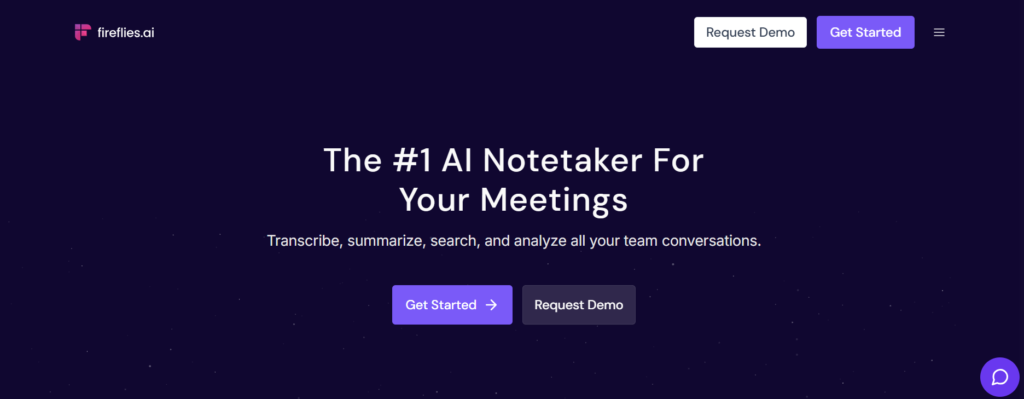
Fireflies joins your Zoom/Meet/Teams calls, records everything, and spits out a searchable transcript with speaker labels and timestamps. More importantly, it auto-detects action items and questions.
What it enables:
After the call, you get a summary with key topics discussed, questions the prospect asked, and tasks mentioned (“Send over case study,” “Intro to engineering lead”). You can search across all your call transcripts for phrases like “budget concerns” or “competitor mention” to spot patterns.
How it improves demo-to-close:
Accurate follow-ups. When you email the prospect two hours later with “Here’s the SOC 2 doc you asked about, plus the API integration timeline we discussed at the 18-minute mark,” they know you were paying attention. That builds trust faster than any “touching base” email. Plus, if a deal goes sideways, you can review the transcript and catch the moment they hesitated. Was it pricing? Timeline? A stakeholder you didn’t know about? The data’s there.
Limitations:
The free tier caps at 800 minutes per month (roughly 13 hours). For a solo founder doing 3-4 demos a week, that’s fine. For a team of three, you’ll hit the limit and need the $10/seat plan. Also, transcription accuracy drops with heavy accents or bad audio—not Fireflies’ fault, but worth knowing.
Quick takeaway:
Fireflies turns “I think they said they needed X” into “They asked about X at minute 12, here’s the exact quote.” That specificity is what separates a closed deal from a “we’ll think about it.”
3. PandaDoc – The Proposal Tool That Shows You When They’re Ghosting You
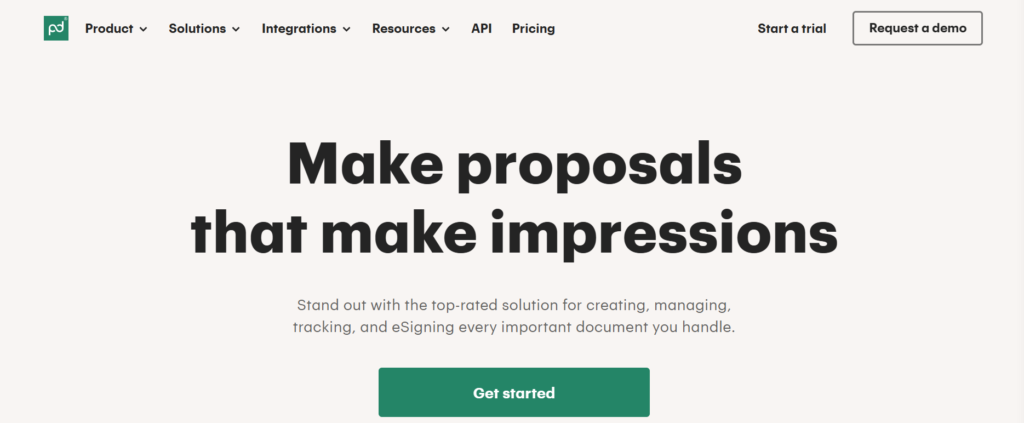
Best for: Teams sending quotes, proposals, or contracts where the “I’ll review and get back to you” black hole kills momentum.
Here’s the thing about sending a PDF proposal via email: you have no idea if they opened it. You’re sitting there wondering, “Should I follow up? Is it too soon? Did it go to spam?” Meanwhile, they forwarded it to their CFO who has questions you’ll never hear about.
PandaDoc fixes this with real-time engagement tracking. You see when the document is opened, how long they spent on each page, and if they shared it with someone else (new email opens = new stakeholder alert).
What it enables:
You build proposals with reusable templates (pricing tables, terms, case studies), send them as interactive web links, and get notified the second they’re viewed. If they spend 8 minutes on the pricing page but only 20 seconds on the “Why Us” section, you know what matters to them. The e-signature flow is native—no “print, sign, scan” nonsense. They click, type their name, done. Deals close faster when friction disappears.
How it improves demo-to-close:
Two scenarios: (1) They open the proposal 4 times in 2 days → high intent, you follow up aggressively. (2) They haven’t opened it in 5 days → you send a “Just checking if you had questions” nudge. Without this data, you’re guessing. One SaaS team I talked to said their average proposal-to-signature time dropped from 9 days to 4 just because they could see when prospects were actually engaging.
Limitations:
Pricing scales fast. Free tier is hobbled (1 doc per month). Growth tier is $49/user/month, which stings for a 5-person team. Also, the template editor has a learning curve—expect to spend an hour getting your first proposal looking clean.
Quick takeaway:
If you’re sending proposals into the void and wondering why deals stall, PandaDoc gives you the visibility to follow up at the exact right moment. That timing is the difference between “closed-won” and “lost-no response.”
4. Apollo.io – The Outbound Engine That Doesn’t Forget Your Demos
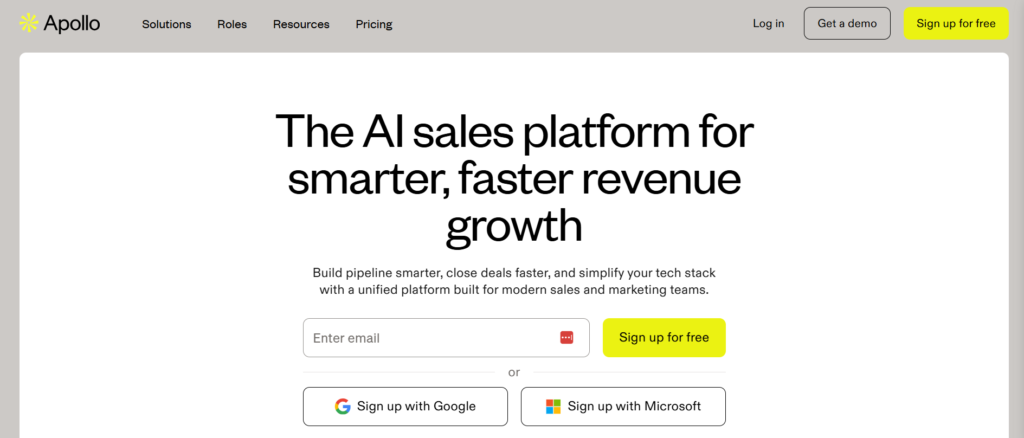
Best for: Founders doing outbound prospecting and demos, who need lead intelligence and follow-up sequences in one place.
Most demo tools assume inbound. Someone fills a form, you react. But if you’re doing cold outbound—emails, LinkedIn, calls—you need a system that tracks the entire journey from first touch to demo to close.
Apollo combines a B2B contact database (250M+ leads with emails, job titles, company data) with email sequencing and basic CRM functionality. You find prospects, enroll them in a sequence, book the demo, and keep following up—all without switching tools.
What it enables:
The lead enrichment is clutch. You’re about to demo someone, you pull up their Apollo profile, and you see they just changed jobs 3 months ago (high intent to buy new tools). Or you see their company just raised a Series A (budget unlocked). That context shapes your pitch. Post-demo, you enroll them in a “Demo Follow-Up” sequence: Day 1 = send recap email, Day 3 = share case study, Day 7 = pricing nudge. The sequence auto-pauses if they reply, so you’re not spamming engaged prospects.
How it improves demo-to-close:
Consistency. Every demo gets the same follow-up cadence, so deals don’t die because someone “forgot to send the ROI calculator.” The sequences enforce your process. Also, Apollo tracks email opens and link clicks. If they opened your follow-up 3 times but didn’t reply, that’s a signal to pick up the phone.
Limitations:
Email deliverability is fragile. If you blast 500 cold emails in a week with a brand-new domain, you’ll tank your sender reputation and land in spam. You need to warm up your domain and keep daily sends under 50. Also, the free tier caps exports at 10 contacts/month (basically unusable for real outbound).
Quick takeaway:
Apollo is the bridge between “I just did a great demo” and “I systematically followed up until they signed.” For outbound-heavy teams, it’s the difference between chaos and a repeatable motion.
5. Zapier – The Unglamorous Glue That Holds Your Stack Together
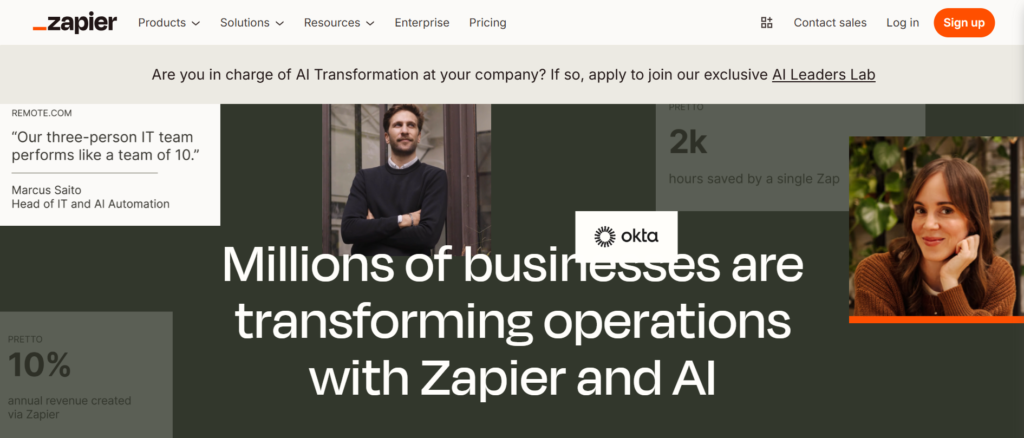
Best for: Anyone using 3+ tools who’s tired of manually copying data between them.
Here’s a confession: I used to manually copy demo leads from Typeform into a Google Sheet, then paste them into Calendly, then Slack my team. It took 8 minutes per lead. I did this for months before I built a Zap that did it in 10 seconds.
Zapier automates the repetitive stuff that leaks leads. “When X happens in App A, do Y in App B.” No code required.
What it enables:
Example demo workflow:
1. New LevelUp Demo request → Trigger
2. Create row in Google Sheets (your backup log)
3. Send Slack message to #sales channel
4. Add contact to Apollo.io for enrichment
5. If “Enterprise” tag → notify founder directly
You build this once, it runs forever. Every demo gets logged, announced, and enriched without you touching it.
How it improves demo-to-close:
Automation reduces human error. No more “I forgot to add them to the CRM.” No more “I didn’t see the Slack message about the urgent demo.” Everything flows to the right place, every time. The time savings compound. If you’re doing 20 demos a month and saving 5 minutes of admin per demo, that’s 100 minutes back—almost 2 hours to actually sell.
Limitations:
Zaps break when apps update their APIs. You’ll get an error email, fix the connection, move on. It’s annoying but rare. Also, the free tier caps at 100 tasks/month (a “task” = one action in a workflow). For serious use, you need the $20/month plan. The other gotcha: complex workflows (5+ steps with conditional logic) get messy fast. You’ll spend 30 minutes debugging why the Zap fires twice.
Quick takeaway:
Zapier isn’t sexy. It’s plumbing. But plumbing failures flood your house. If you’re stitching together demo tools, CRMs, calendars, and Slack, Zapier is what keeps the system from leaking leads.
What Tools Help Increase Demo-to-Close Rates?
Tools that improve demo-to-close rates focus on three areas: reducing no-shows (automated reminders), capturing outcomes (forcing reps to log what happened), and systematizing follow-ups (sequences and visibility dashboards). Generic sales enablement platforms emphasize training and content; demo-to-close tools emphasize workflow enforcement and accountability.
How Do Sales Enablement Tools Improve Conversions After Demos?
Sales enablement tools improve post-demo conversions by eliminating the operational gaps where deals die. Automated reminders reduce no-shows by 20-30%. Call transcription tools (like Fireflies) ensure follow-ups address the actual objections discussed. Proposal tracking (PandaDoc) shows when prospects engage, so reps follow up at the right moment. Outcome logging (LevelUp Demo) forces visibility into what’s working and what’s not.
What Should Small SaaS Teams Use to Close Faster?
Small SaaS teams should prioritize tools that combine multiple functions (demo scheduling + outcome tracking, or proposals + e-signature) to avoid tool sprawl. Start with a demo workflow system (LevelUp Demo), add call intelligence (Fireflies), and automate follow-ups (Apollo sequences or Zapier). Avoid enterprise platforms that require full-time admins to maintain.
The Real Comparison: Which Tool Solves Which Leak?
| Your Biggest Leak | Tool to Fix It | Why It Works |
|---|---|---|
| Demos not getting scheduled | LevelUp Demo | Integrated calendar + auto-reminders |
| Reps forgetting what was discussed | Fireflies.ai | Searchable transcripts with action items |
| Proposals disappearing into the void | PandaDoc | Engagement tracking shows who’s reading |
| Inconsistent follow-ups | Apollo.io | Sequences enforce your process |
| Manual data entry eating your time | Zapier | Automates the copy-paste busywork |
FAQ: The “How Do I Actually Do This?” Questions
How do I reduce demo no-shows without sounding desperate?
Automated reminder emails 24 hours and 1 hour before the call reduce no-shows by 25-30%. Use calendar tools (LevelUp Demo, Calendly) that send these automatically. Include the meeting agenda in the reminder so it feels valuable, not nagging.
How do I track which demos are most likely to close?
Log outcomes immediately after every call (Won, Lost, Follow-up, Pending). Tools like LevelUp Demo force this step. Over time, you’ll see patterns—”Enterprise demos with 2+ attendees close at 50%, solo founder demos close at 18%”—and adjust your qualification.
How do I follow up after a demo without being annoying?
Send the first follow-up within 2 hours (recap + resources). Space subsequent touches 3-5 days apart. Use sequences (Apollo) to automate the cadence. Stop after 3 touches if they don’t engage—persistent doesn’t mean pestering.
How do I know if my follow-up emails are being read?
Use proposal tools (PandaDoc) or email tracking (Apollo, HubSpot) that show open rates and link clicks. If they opened your email 3 times but didn’t reply, they’re interested but stuck—call them.
How do I prevent deals from slipping through the cracks?
Use a follow-up dashboard (LevelUp Demo’s “Follow-ups” view) that surfaces overdue next steps. Review it daily. If a demo is marked “Follow-up” but hasn’t been touched in 5 days, it’s at risk.
How do I integrate demo tools with my existing CRM?
Most demo tools (LevelUp Demo, Fireflies, PandaDoc) integrate with HubSpot, Salesforce, and Pipedrive via native connectors or Zapier. Start with a simple Zap: “New demo → Create deal in CRM.” Expand from there.
The Tools You Don’t Need (Yet)
A quick note on what I didn’t include:
Gong/Chorus: Incredible for enterprise teams with 10+ reps. Overkill for small teams. Fireflies gives you 80% of the value at 10% of the cost.
Highspot/Showpad: Content management platforms for teams with huge asset libraries. If you have 3 case studies and a pitch deck, you don’t need this.
Salesloft/Outreach: Powerful cadence engines, but pricing starts at $100+/user/month. Apollo does sequences for $49/month flat. If you’re a 1-5 person team, resist the urge to “enterprise-ify” your stack. You’ll spend more time managing tools than selling.
Where to Start
If I had to rebuild a demo-to-close stack from scratch tomorrow, here’s the order I’d add tools:
- Week 1: LevelUp Demo (fix the capture → schedule → outcome flow).
- Week 2: Fireflies (stop forgetting what prospects said).
- Week 3: PandaDoc (see when proposals are actually read).
- Week 4: Apollo or Zapier (automate follow-ups or glue work, depending on your biggest pain).
Start with one, get it working, then layer the next. Tool sprawl kills more deals than tool scarcity.
The Honest Truth About Sales Enablement
Most “sales enablement” content assumes you have a VP of Sales, a RevOps team, and a $50K software budget. You don’t. You’re a founder or early sales hire trying to close deals while also doing product, support, and marketing.
The tools above won’t magically turn you into a sales savant. But they will eliminate the stupid operational reasons demos don’t convert: no-shows, forgotten follow-ups, lost context, invisible pipeline.
Fix those leaks, and your close rate climbs—not because you got better at selling, but because you stopped letting winnable deals slip away.
If your biggest leak is after the demo, start with a tool that makes follow-ups and outcomes impossible to miss. Everything else is optimization.
Final Thought: Great Demos Don’t Close Deals. Systems Do.
You don’t lose deals because your reps can’t demo. You lose deals because the demo ends, the next step isn’t captured, and follow-ups fall into the cracks of tools nobody checks daily.
That’s why these five tools matter. Each one fixes a specific leak in the demo-to-close journey. And when you plug those leaks, your close rate climbs naturally.
Here’s the simplest way to start:
-
Fix scheduling and no-shows
-
Capture what happened
-
Force follow-ups into a repeatable workflow
Everything else is optimization.
✅ If your team is drowning in demos, missed follow-ups, and “no response” losses, LevelUp Demo gives you the structure that keeps deals moving—without CRM bloat.
See how LevelUp Demo works.